
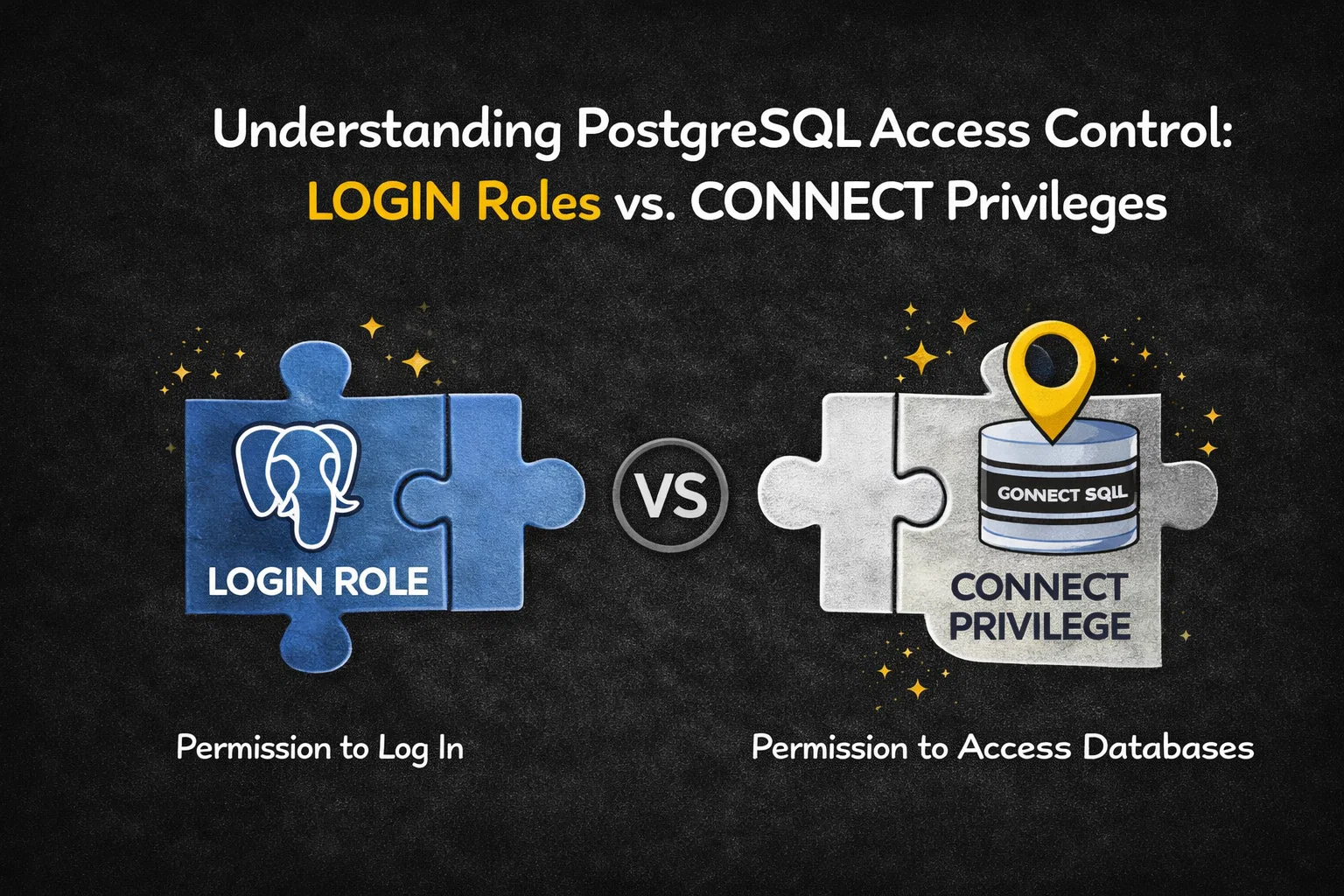
PostgreSQL offers a sophisticated and layered security model that precisely controls how users authenticate and access data. To properly secure a PostgreSQL cluster, it is critical to understand the difference between two often-confused concepts:
- the LOGIN role property
- the CONNECT database privilege
Although both are required for a user to successfully connect to a database, they operate at different levels of PostgreSQL’s security hierarchy and serve very different purposes.
This article explains how they work, how to inspect them, and how to use them together to build secure and predictable access controls.
Table of Contents
The Big Picture: Two Layers of Access Control
PostgreSQL enforces access in two sequential steps:
- Authentication & session creation
→ Controlled by the LOGIN role attribute - Authorization to a specific database
→ Controlled by the CONNECT database privilege
If either step fails, the connection attempt is rejected.
1. The LOGIN Property: A Role’s Identity
In PostgreSQL, the fundamental security entity is a role. A role can represent:
- a real user,
- a service account,
- or a group used only for permission management.
The LOGIN attribute determines whether a role is allowed to initiate a session.
Key Characteristics
- Nature:
A cluster-wide role attribute - Purpose:
Determines whether the role can authenticate and start a session - Default behavior:
Roles created withoutLOGINdefault to NOLOGIN - Typical use of NOLOGIN roles:
Permission grouping, role inheritance, policy management
Creating and Managing LOGIN Roles
CREATE ROLE app_user WITH LOGIN;
ALTER ROLE reporting NOLOGIN;
Only roles with LOGIN can be used as actual database accounts.
Inspecting LOGIN Capability
Using psql (\du)
The most convenient way to inspect role attributes is via psql:
\du
or:
See also: Mastering the Linux Command Line — Your Complete Free Training Guide
\du+
Example output:
Role name  | Attributes
-----------+--------------------
app_user   | Login
reporting  | No login
If LOGIN is missing, the role cannot authenticate—regardless of any database privileges it might hold.
Internal Representation: pg_authid and rolcanlogin
Internally, PostgreSQL stores role attributes in the system catalog pg_authid.
The column responsible for login capability is:
rolcanlogin(boolean)
SELECT rolname, rolcanlogin
FROM pg_authid;
true→ role can log infalse→ role cannot log in
⚠️ Important:pg_authid contains sensitive authentication data and is restricted to superusers.
Safe Alternative: pg_roles
For non-superusers, PostgreSQL provides the pg_roles view:
SELECT rolname, rolcanlogin
FROM pg_roles;
This exposes role capabilities safely, without revealing password metadata.
2. The CONNECT Privilege: Accessing a Database
Having a role with LOGIN only means the user can authenticate to the cluster.
To enter a specific database, the role must also have the CONNECT privilege on that database.
Key Characteristics
- Nature:
A database-level privilege - Scope:
Applies to a specific database - Internal representation:
Stored in database ACLs with the flagc - Management:
Controlled viaGRANTandREVOKE
Example:
GRANT CONNECT ON DATABASE forumdb TO app_user;
REVOKE CONNECT ON DATABASE forumdb FROM PUBLIC;
Inspecting CONNECT Privileges
1. Using has_database_privilege() (Recommended)
The most precise and script-friendly method:
SELECT has_database_privilege('username', 'database_name', 'CONNECT');
true→ CONNECT allowedfalse→ CONNECT denied
This function automatically accounts for:
- direct grants,
- role membership,
- PUBLIC privileges.
2. Using psql Meta-Commands
In psql, list databases and privileges with:
\l
or:
\l+
Look at the Access privileges column:
joe=c/postgres
Meaning:
- user
joe - has
CONNECT(c) - granted by
postgres
3. The PUBLIC Role and Default Access
By default, PostgreSQL grants CONNECT on new databases to the special role PUBLIC.
Example entry:
=c/postgres
This means:
- all roles (present and future) can connect
- as long as they have
LOGIN
🔐 Best practice:
Revoke this default and grant CONNECT explicitly:
REVOKE CONNECT ON DATABASE forumdb FROM PUBLIC;
GRANT CONNECT ON DATABASE forumdb TO app_user;
3. Practical Scenarios
Creating a Login-Capable User
CREATE ROLE luca WITH LOGIN PASSWORD 'secret';
Verification:
\du
Locking a Database for Maintenance
REVOKE CONNECT ON DATABASE forumdb FROM PUBLIC;
Result for regular users:
FATAL: permission denied for database "forumdb"
DETAIL: User does not have CONNECT privilege.
Selectively Restoring Access
GRANT CONNECT ON DATABASE forumdb TO luca;
Since luca has:
LOGIN(cluster level)CONNECT(database level)
The connection succeeds.
4. LOGIN vs. CONNECT: Key Differences
| Aspect | LOGIN | CONNECT |
|---|---|---|
| Type | Role attribute | Database privilege |
| Scope | Cluster-wide | Per-database |
| Controls | Session creation | Database entry |
| Stored in | pg_authid.rolcanlogin | Database ACLs (c) |
| Managed by | CREATE/ALTER ROLE | GRANT/REVOKE |
| Typical error | Authentication failure | “permission denied for database” |
Conclusion
PostgreSQL security is intentionally layered.
- LOGIN answers “Who is allowed to authenticate?”
- CONNECT answers “Which databases may they access?”
A role must have both to successfully connect.
By combining:
- NOLOGIN group roles,
- explicit LOGIN user roles,
- and carefully managed CONNECT privileges (especially revoking them from
PUBLIC),
administrators gain fine-grained control over database access—without sacrificing clarity or maintainability.
Analogy
Think of LOGIN as a corporate security badge.
It proves you are a recognized person and lets you onto the company campus.
The CONNECT privilege is a building keycard.
Even with a valid badge, you cannot enter a specific building unless your card allows it.
Both are required—and they serve different purposes.



