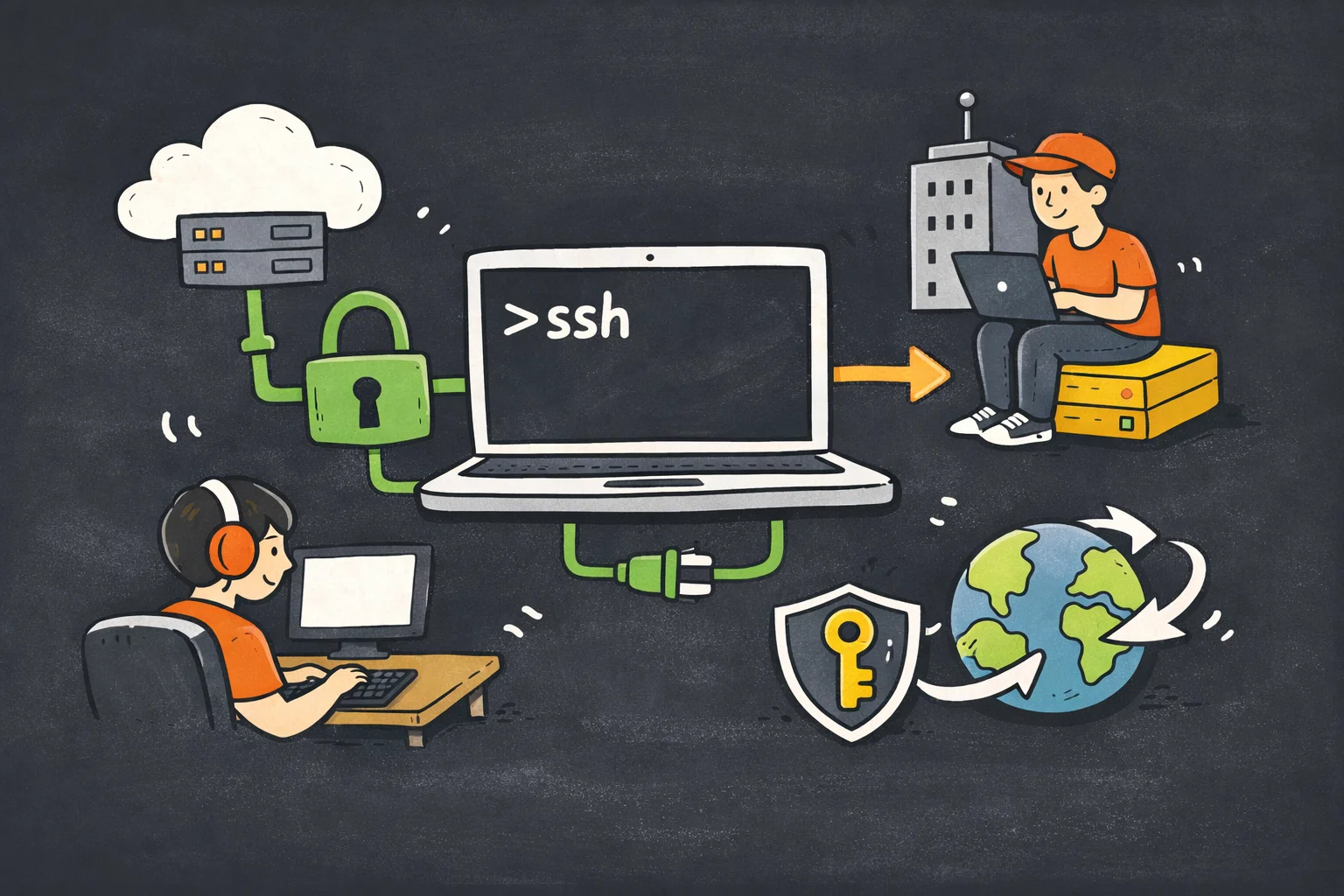
In modern network architectures, especially in enterprise-level environments, jump hosts (also known as bastion hosts) serve as critical security gateways for managing backend servers.
These hosts act as intermediaries, enforcing access control, auditing, and logging for all connections to internal resources.
While traditional SSH port forwarding is widely used to traverse jump hosts, SSH Socket (specifically control master sockets) offers a more efficient, persistent, and resource-friendly alternative.
This article explores the fundamentals of SSH Socket, its advantages over conventional methods, and step-by-step guidelines for implementing it in jump host environments.
Table of Contents
1. Understanding SSH Socket
1.1 Definition and Core Concepts
SSH Socket refers to a Unix domain socket (UDS) created by the SSH control master process, which enables multiple SSH sessions to reuse a single underlying TCP connection.
Unlike network sockets that use IP addresses and ports, Unix domain sockets operate within the filesystem, using file paths as identifiers (e.g., ~/.ssh/control-master.sock).
This mechanism is part of SSH’s ControlMaster and ControlPath features, introduced in OpenSSH 4.0 (released in 2004), designed to optimize connection reuse.
The key components of SSH Socket-based connections are:
- ControlMaster: The primary SSH process that establishes the initial TCP connection to the target host (or jump host) and creates the control socket. This process runs in the background, maintaining the persistent connection.
- ControlPath: The filesystem path where the Unix domain socket is stored. All subsequent SSH sessions (ControlSlaves) use this path to connect to the ControlMaster and reuse the existing connection.
- ControlSlave: Secondary SSH sessions that attach to the ControlMaster via the control socket. These sessions do not establish new TCP connections, reducing latency and authentication overhead.
1.2 How SSH Socket Works
When a ControlMaster session is initiated, SSH performs the full handshake (TCP connection establishment, authentication via passwords, keys, or certificates) and then creates the specified Unix domain socket.
This socket acts as a communication channel between the ControlMaster and any subsequent ControlSlave sessions.
See also: Mastering the Linux Command Line — Your Complete Free Training Guide
For each ControlSlave, SSH skips the TCP handshake and authentication steps, instead sending traffic through the existing socket to the ControlMaster, which forwards it to the target host.
When the last ControlSlave session ends, the ControlMaster can be configured to either persist (waiting for new slaves) or terminate automatically.
1.3 Advantages Over Traditional Methods
Compared to traditional SSH port forwarding (e.g., ssh -L local forwarding or ssh -J jump host forwarding) and multiple independent SSH sessions, SSH Socket offers several key benefits:
- Reduced Latency: Reusing a single TCP connection eliminates the overhead of repeated handshakes and authentication for each new session, drastically reducing connection setup time—critical for environments where frequent SSH access is required.
- Resource Efficiency: Each independent SSH session consumes TCP ports and system resources (CPU, memory) for handshakes. SSH Socket minimizes resource usage by consolidating traffic into one connection.
- Persistent Connections: The ControlMaster maintains the connection even when no active sessions are running, avoiding repeated re-authentication (e.g., with two-factor authentication, 2FA) and ensuring seamless access to backend resources.
- Simplified Jump Host Traversal: In jump host environments, SSH Socket can chain connections efficiently, reducing the complexity of managing multiple forwarding layers.
2. Jump Host Environments: Challenges and SSH Socket Solutions
2.1 Jump Host Basics
A jump host is a dedicated server positioned between the public network (e.g., the internet) and internal private networks.
It acts as a single entry point for administrative access, enforcing security policies such as IP whitelisting, multi-factor authentication, and session logging. Typically, administrators cannot connect directly to backend servers (e.g., application servers, databases) from external networks; instead, they first connect to the jump host, then from the jump host to the target internal server.
2.2 Traditional Jump Host Access Limitations
Traditional methods for accessing internal servers via jump hosts have drawbacks:
- Two-Step Connection: Manually connecting to the jump host first, then to the internal server, is cumbersome and time-consuming for frequent access.
- Port Forwarding Complexity: Using
ssh -J user@jump-host user@internal-server(jump host forwarding) creates a new TCP connection for each session, leading to high latency and repeated authentication. - 2FA Fatigue: If the jump host requires 2FA, each new session triggers a 2FA prompt, disrupting workflow.
2.3 How SSH Socket Addresses These Challenges
SSH Socket simplifies jump host access by creating a persistent ControlMaster connection to the jump host. All subsequent connections to internal servers reuse this persistent connection, eliminating repeated authentication and reducing latency. Additionally, SSH Socket can be combined with proxy jumps to directly access internal servers via the jump host’s ControlMaster, streamlining the workflow into a single command (or configuration).
3. Practical Implementation of SSH Socket in Jump Host Environments
3.1 Prerequisites
Before implementing SSH Socket, ensure the following:
- OpenSSH 4.0 or later installed on the client machine (most modern Linux distributions, macOS, and Windows 10/11 with OpenSSH Client meet this requirement).
- Access to a jump host with SSH enabled, and permissions to connect to internal servers from the jump host.
- SSH key authentication configured (recommended for security and to avoid password prompts; 2FA can still be enforced on the ControlMaster connection).
3.2 Step 1: Configure SSH Client for ControlMaster
The easiest way to use SSH Socket is to configure it in the SSH client configuration file (~/.ssh/config), which centralizes settings for jump hosts and internal servers. This avoids typing long command-line arguments each time.
First, create or edit the ~/.ssh/config file (ensure permissions are set to 600 to prevent unauthorized access):
chmod 600 ~/.ssh/config
nano ~/.ssh/config
Add the following configuration for the jump host and internal servers:
# Jump Host Configuration (ControlMaster)
Host jump-host
  HostName jump.example.com  # IP or domain of the jump host
  User jump-user             # Your username on the jump host
  IdentityFile ~/.ssh/id_rsa # Path to your SSH key for the jump host
  ControlMaster yes          # Enable ControlMaster
  ControlPath ~/.ssh/control-%r@%h:%p.sock # Socket path (unique per user/host/port)
  ControlPersist 8h          # Keep the master connection alive for 8 hours after last slave exits
  ForwardAgent no            # Disable agent forwarding (security best practice)
  StrictHostKeyChecking yes  # Verify host keys (prevents man-in-the-middle attacks)

# Internal Server Configuration (ControlSlave via Jump Host)
Host internal-server-*
  HostName %h.example.internal # IP or internal domain of the target server
  User internal-user           # Your username on the internal server
  IdentityFile ~/.ssh/id_rsa   # Path to your SSH key for internal servers
  ProxyJump jump-host          # Use jump host as proxy (combines with ControlMaster)
  ControlMaster no             # Disable ControlMaster for internal servers (use jump host's master)
  ControlPath ~/.ssh/control-%r@jump-host:22.sock # Reuse jump host's socket
  ControlPersist 1h            # Keep slave connection alive for 1 hour
Key configuration explanations:
ControlPath: The%r(remote user),%h(remote host), and%p(remote port) placeholders ensure a unique socket path for each jump host connection, avoiding conflicts.ControlPersist: Specifies how long the ControlMaster remains alive after the last ControlSlave disconnects. A value of8h(8 hours) balances persistence and resource efficiency; useyesto keep it alive indefinitely (not recommended for production).ProxyJump: Directs the SSH client to connect to the internal server via the jump host, leveraging the jump host’s ControlMaster socket.
3.3 Step 2: Establish the ControlMaster Connection
Once the configuration is saved, initiate the ControlMaster connection to the jump host. This creates the SSH socket and maintains the persistent connection:
ssh jump-host
If 2FA is enabled on the jump host, you will be prompted to authenticate once (during ControlMaster setup). After authentication, you can either keep the jump host shell open or detach it to the background using ssh -fN jump-host (the -f flag forks the process to the background, and -N disables executing a remote command, ideal for persistent master connections).
3.4 Step 3: Access Internal Servers via ControlSlave
With the ControlMaster running, connect to internal servers using the configured alias. SSH will reuse the jump host’s ControlMaster socket, skipping the handshake and authentication steps for both the jump host and internal server (if key authentication is set up):
ssh internal-server-01
You can open multiple terminal windows and connect to the same or different internal servers—all will reuse the same ControlMaster connection to the jump host. This significantly speeds up access and reduces resource usage.
3.5 Step 4: Manage the ControlMaster Connection
To check if the ControlMaster is running and the socket exists:
# Verify the socket file exists
ls -la ~/.ssh/control-*.sock

# Check for active SSH master processes
ps aux | grep ssh | grep ControlMaster
To terminate the ControlMaster connection manually (and delete the socket):
ssh -O exit jump-host
The -O exit flag sends a command to the ControlMaster to terminate the connection. Alternatively, the ControlMaster will automatically exit after the ControlPersist duration expires with no active slaves.
4. Advanced Use Cases and Best Practices
4.1 Chaining Multiple Jump Hosts
For environments with multiple jump hosts (e.g., regional and global bastions), SSH Socket can be chained by configuring nested ProxyJump directives and shared sockets. For example:
# Global Jump Host (first layer)
Host global-jump
  HostName global-jump.example.com
  User global-user
  ControlMaster yes
  ControlPath ~/.ssh/control-global-%r@%h:%p.sock
  ControlPersist 8h

# Regional Jump Host (second layer, via global jump)
Host regional-jump
  HostName regional-jump.example.internal
  User regional-user
  ProxyJump global-jump
  ControlMaster yes
  ControlPath ~/.ssh/control-regional-%r@%h:%p.sock
  ControlPersist 8h

# Internal Server (via regional jump)
Host internal-server-*
  HostName %h.example.internal
  User internal-user
  ProxyJump regional-jump
  ControlPath ~/.ssh/control-regional-%r@regional-jump:22.sock
This setup reuses sockets for both jump hosts, minimizing latency across multiple layers.
4.2 Security Best Practices
- Restrict Socket Permissions: The
ControlPathdirectory (~/.ssh/) should have permissions set to700to prevent other users from accessing the socket. The socket file itself inherits these permissions. - Disable ForwardAgent: Setting
ForwardAgent noprevents the jump host from using your local SSH agent to authenticate to other servers, reducing the risk of credential theft if the jump host is compromised. - Use Short ControlPersist Durations: Avoid indefinite persistence (
ControlPersist yes). Use reasonable durations (e.g., 4–8 hours) to limit the window of opportunity if the socket is compromised. - Enable Host Key Checking:
StrictHostKeyChecking yesensures SSH verifies the jump host and internal server’s host keys, preventing man-in-the-middle attacks.
4.3 Automating ControlMaster Setup
To automate the ControlMaster connection on login, add the following to your ~/.bashrc or ~/.zshrc file (depending on your shell):
# Automatically start ControlMaster for jump host if not running
if ! ssh -O check jump-host > /dev/null 2>&1; then
  ssh -fN jump-host
  echo "Started SSH ControlMaster for jump-host"
fi
This checks if the ControlMaster is running; if not, it starts a background master connection automatically.
5. Troubleshooting Common Issues
5.1 Socket File Conflicts
If you receive an error like ControlPath exists, refusing to connect, the socket file from a previous ControlMaster session may still exist (e.g., if the master process crashed). Resolve this by deleting the socket file:
rm ~/.ssh/control-*.sock
5.2 ControlMaster Not Persisting
If the ControlMaster terminates immediately, ensure ControlPersist is set correctly (avoid 0 or no). Also, verify that the user has write permissions to the ControlPath directory.
5.3 Internal Server Connection Failures
If you cannot connect to internal servers, check that: (1) the jump host has network access to the internal server, (2) the ProxyJump directive is correctly configured, and (3) the ControlMaster for the jump host is running.
6. Conclusion
SSH Socket, powered by OpenSSH’s ControlMaster and ControlPath features, revolutionizes access to internal servers in jump host environments by enabling persistent, low-latency, and resource-efficient connections.
By eliminating repeated handshakes and authentication, it streamlines administrative workflows while maintaining robust security.
Whether for single or multi-layered jump host architectures, SSH Socket is a must-have tool for system administrators seeking to optimize their remote access strategy.
By following the configuration guidelines and best practices outlined in this article, you can leverage SSH Socket to enhance productivity and security in your enterprise network.