
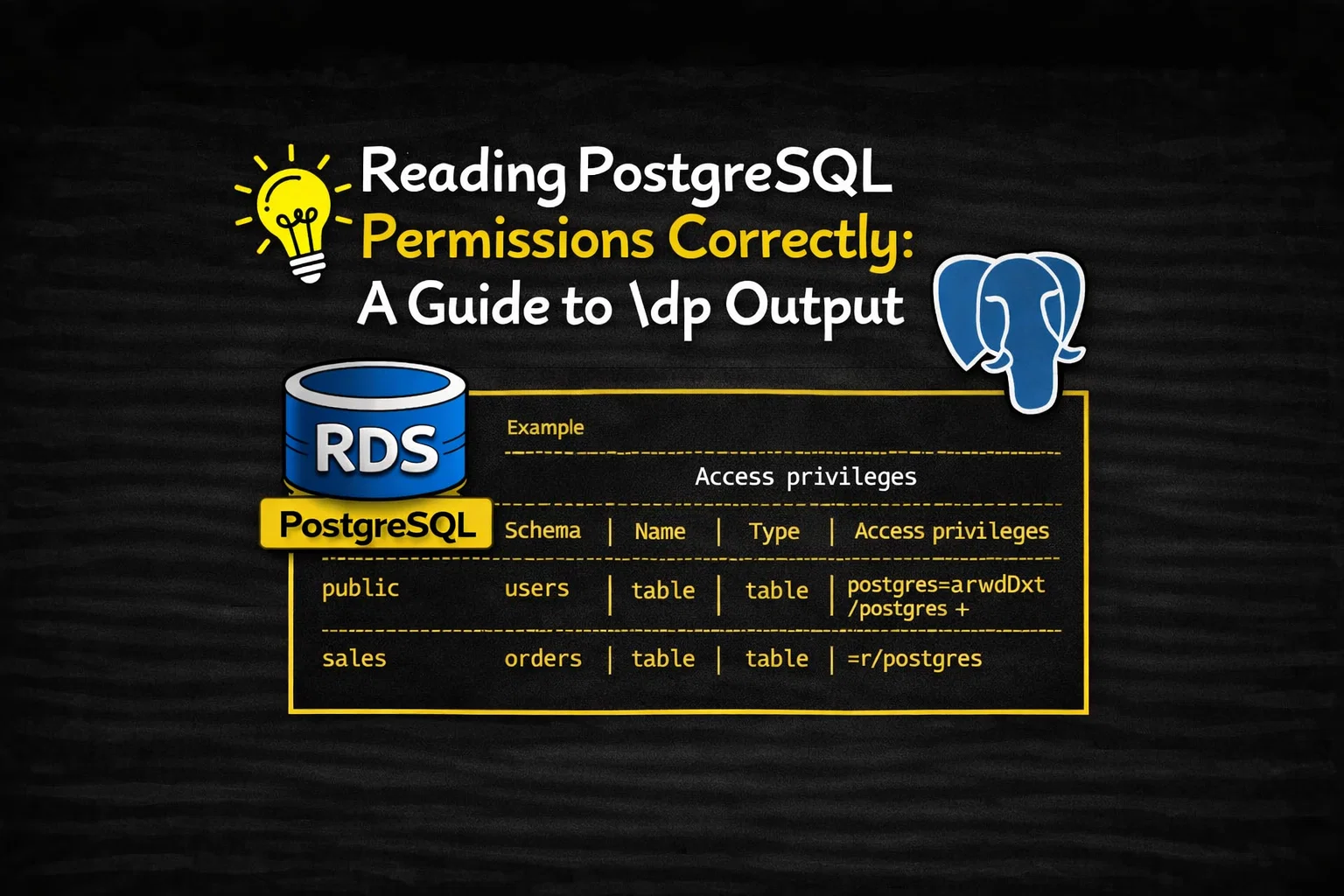
PostgreSQL exposes object-level permissions through Access Control Lists (ACLs). While the SQL GRANT and REVOKE commands are familiar to most administrators, the internal ACL representation—especially when viewed through psql’s \dp command—can be confusing at first glance.
One of the most common and misunderstood patterns looks like this:
postgres=arwdDxt/postgres+
=r/postgres
This article explains exactly what this means, how PostgreSQL stores and displays object privileges, and why this pattern has important security implications.
Table of Contents
What \dp Shows
The \dp command (short for describe privileges) lists object-level access privileges for relations in the current database, including:
- tables
- views
- materialized views
- sequences
- foreign tables
Unlike \\du (roles) or \\l (databases), \\dp operates at the data object layer—the final gate before a user can read or modify data.
Why the Output Appears on Multiple Lines
The + symbol at the end of a privilege line indicates that the ACL entry is continued on the next line for formatting reasons.
So this:
postgres=arwdDxt/postgres+
=r/postgres
Is not two separate rules. Internally, PostgreSQL stores this as a single ACL list, equivalent to:
postgres=arwdDxt/postgres,=r/postgres
Understanding this point is crucial to reading \\dp output correctly.
The PostgreSQL ACL Format
Every privilege entry follows this pattern:
See also: Mastering the Linux Command Line — Your Complete Free Training Guide
grantee=privileges/grantor
Multiple entries are separated by commas.
Example:
role1=privs/role2,role3=privs/role4
Let’s break down each part of the ACL string in our example.
Part 1: postgres=arwdDxt/postgres
Grantee
postgres- The role receiving the privileges
Privileges
arwdDxt
For tables and views, these letters mean:
| Letter | Privilege |
|---|---|
a | INSERT |
r | SELECT |
w | UPDATE |
d | DELETE |
D | TRUNCATE |
x | REFERENCES |
t | TRIGGER |
This represents full access to the object.
Grantor
postgres- The role that issued the grant
Interpretation
The role postgres has full control over this object.
This is expected, as postgres is typically the object owner.
Part 2: =r/postgres — The Critical Detail
This entry is subtle but extremely important.
Empty Grantee
Notice there is no role name before the =:
=r/postgres
In PostgreSQL ACL syntax:
An empty grantee means PUBLIC
PUBLIC is a special pseudo-role representing all users, including:
- existing roles
- roles created in the future
Privilege
r→ SELECT
Grantor
postgres
What =r/postgres Really Means
This entry is equivalent to the SQL command:
GRANT SELECT ON object TO PUBLIC;
In plain language:
Every role that can connect to this database is allowed to read this object.
This includes:
- application users
- reporting users
- maintenance accounts
- any future roles with LOGIN and CONNECT
The Combined Meaning
Putting both ACL entries together:
postgres=arwdDxt/postgres,=r/postgres
The effective access policy is:
postgreshas full privileges (read/write/admin)- All users (PUBLIC) have read-only (SELECT) access
Why This Pattern Is Common
This ACL structure appears frequently in:
- system views (
pg_stat_statements,pg_buffercache) - monitoring extensions
- shared reporting tables
PostgreSQL extensions often grant SELECT to PUBLIC intentionally so that monitoring roles can query them without elevated privileges.
Security Implications
While common, this pattern can be dangerous if applied unintentionally.
Common Misinterpretation
Many administrators see:
postgres=arwdDxt/postgres
and assume:
“Only postgres can access this table.”
But the second line:
=r/postgres
silently grants access to everyone.
This is one of the most frequent causes of unexpected data exposure in PostgreSQL environments.
How to Verify Effective Access
To confirm whether a user can actually read the object:
SELECT has_table_privilege('some_user', 'schema.object', 'SELECT');
This function evaluates:
- direct grants
- role membership
- PUBLIC privileges
How to Remove PUBLIC Access
To revoke the implicit read access:
REVOKE SELECT ON schema.object FROM PUBLIC;
After this, only explicitly granted roles (or the owner) can read the object.
How This Fits into PostgreSQL’s Security Model
A user must pass three separate checks to read data:
- LOGIN Can the role authenticate?
- CONNECT Can the role connect to the database?
- Object privilege (
\\dp) Can the role SELECT this object?
The ACL shown by \\dp governs the final and most granular layer.
Mental Model
\\du→ who can log in\\l→ who can enter the database\\dp→ who can read or modify specific data
The line:
=r/postgres
means:
“Once you’re inside, the door to this object is open to everyone.”
Conclusion
The ACL pattern:
postgres=arwdDxt/postgres+
=r/postgres
Does not mean exclusive access by postgres.
It means:
- the owner has full control
- all users have read access
Understanding this distinction is essential for accurate security audits and preventing accidental data exposure.



