
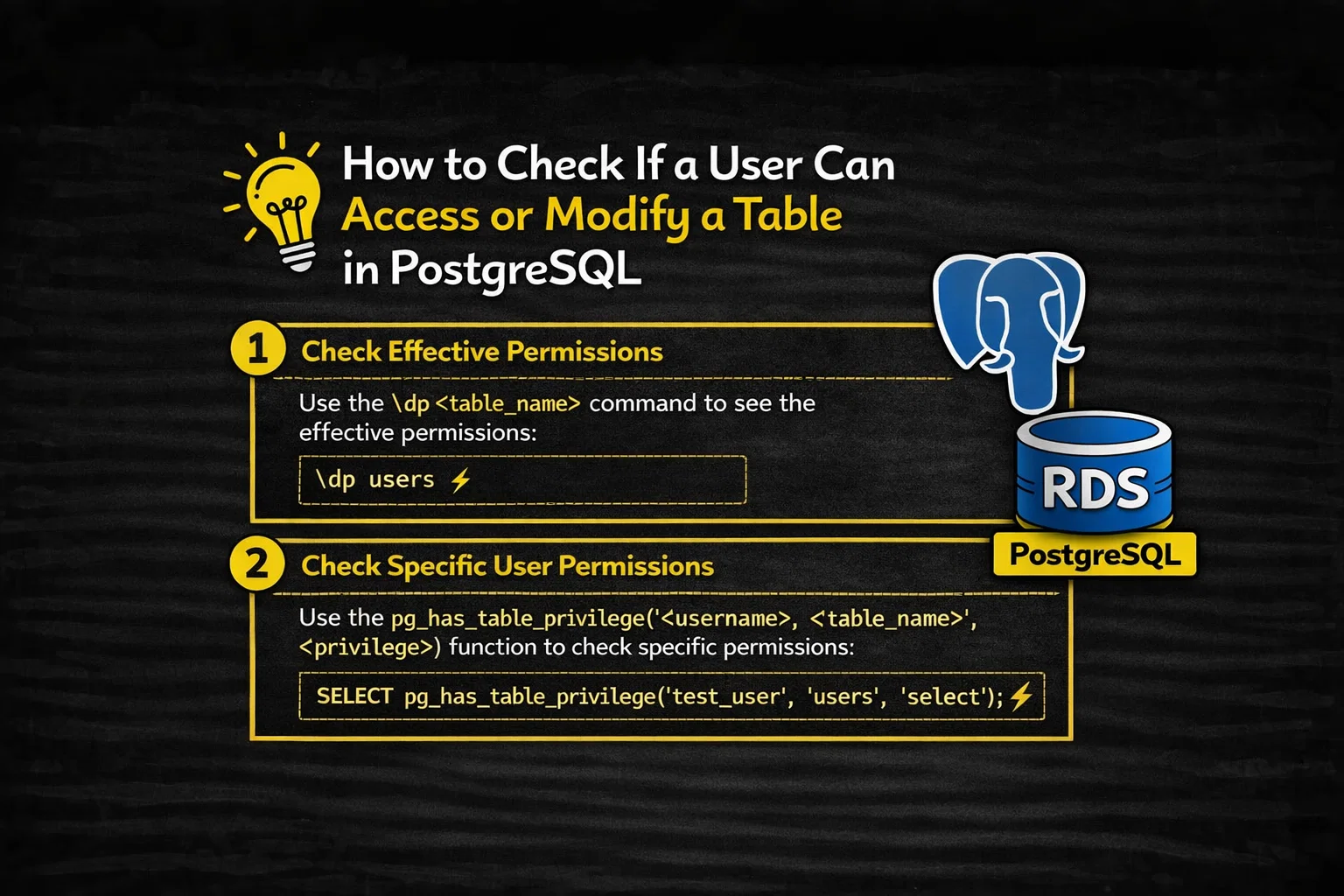
In PostgreSQL, table access is not a single yes-or-no decision.
A user might be able to:
- connect to the database,
- see the table definition,
- but still be blocked from reading or modifying the data.
To accurately determine whether a user can access or manipulate a table, PostgreSQL provides multiple inspection layers—from high-level inquiry functions to raw system catalogs.
This article walks through the correct and practical ways to check table privileges, explains how to interpret the results, and highlights one of the most commonly misunderstood features: Row-Level Security (RLS).
Table of Contents
The Three Layers of Table Access
Before diving into commands, it helps to understand the layers PostgreSQL checks:
- Table-level privileges (GRANT / REVOKE)
- Column-level privileges (optional, more granular)
- Row-Level Security policies (if enabled)
Each layer can independently allow—or block—access.
1. Programmatic Permission Checks (Recommended)
The most reliable way to check permissions is by using PostgreSQL’s built-in system inquiry functions. These functions return simple boolean values, making them ideal for automation, audits, and troubleshooting.
Checking Table Privileges with has_table_privilege
The core function is:
has_table_privilege(role, table, privilege)
It returns:
true→ privilege existsfalse→ privilege does not exist
Check a Specific User
SELECT has_table_privilege('alice', 'orders', 'SELECT');
This answers a precise question:
See also: Mastering the Linux Command Line — Your Complete Free Training Guide
Can alice read from the
orderstable?
Check the Current User
If you omit the role argument, PostgreSQL checks the permissions of the current execution context:
SELECT has_table_privilege('orders', 'INSERT');
This is useful when debugging application behavior or stored procedures.
Valid Table Privileges
You can test for any of the following:
| Privilege | Meaning |
|---|---|
SELECT | Read rows |
INSERT | Add new rows |
UPDATE | Modify existing rows |
DELETE | Remove rows |
TRUNCATE | Remove all rows |
REFERENCES | Create foreign keys |
TRIGGER | Create triggers |
MAINTAIN | Run maintenance operations |
Checking Multiple Privileges at Once
You may provide a comma-separated list of privileges:
SELECT has_table_privilege(
  'alice',
  'orders',
  'SELECT, UPDATE'
);
⚠️ Important:
The function returns true if the user has any one of the listed privileges—not all of them.
Column-Level Permission Checks
PostgreSQL allows privileges at the column level, which can override table-level assumptions.
To check a specific column:
SELECT has_column_privilege(
  'alice',
  'orders.amount',
  'SELECT'
);
To check whether a user has any column-level access:
SELECT has_any_column_privilege(
  'alice',
  'orders',
  'SELECT'
);
These functions are essential when working with sensitive fields such as salaries or personal data.
2. Visual Inspection Using psql
If you’re working interactively, PostgreSQL’s psql client offers a fast, readable way to inspect permissions.
Viewing Table ACLs
\dp orders
(or the older alias \z)
This displays the Access Control List (ACL) for the table.
How to Read ACL Output
ACL entries follow this pattern:
grantee=privileges/grantor
Privilege abbreviations include:
| Letter | Privilege |
|---|---|
r | SELECT |
a | INSERT |
w | UPDATE |
d | DELETE |
x | REFERENCES |
t | TRIGGER |
An asterisk (*) means the privilege includes the GRANT OPTION.
Example:
alice=arw*/postgres
This means:
- alice can SELECT, INSERT, UPDATE
- and can grant those privileges to others
3. Inspecting Raw ACL Data (Advanced)
For audits, monitoring tools, or custom permission reports, you may want to inspect the raw ACL data stored in system catalogs.
PostgreSQL provides pg_get_acl, which works with object OIDs.
Example:
SELECT
  relname,
  pg_get_acl(oid)
FROM pg_class
WHERE relname = 'orders';
This avoids manually parsing system tables and is useful when building automated security tooling.
4. Row-Level Security: The Hidden Gatekeeper
Even if a user has SELECT on a table, they may still see zero rows.
Why?
Because Row-Level Security (RLS) applies an additional policy layer.
How RLS Works
- When RLS is enabled, every query must satisfy a row security policy
- Policies are evaluated after privilege checks
- If no policy allows access, the result is an empty set
Checking If RLS Is Active
SELECT row_security_active('orders');
true→ RLS is enforcedfalse→ RLS is not applied
Roles That Bypass RLS
- Superusers
- Roles with the
BYPASSRLSattribute
All other roles are strictly bound by row-level policies.
A Practical Mental Model
Think of table access like entering a secure government archive:
- Table privileges are the keycard to the room
- Column privileges are drawers inside the room
- Row-Level Security is a locked filing cabinet
- Even inside the room, you can only read the files your clearance allows
To truly know what a user can access, you must check all three layers.
Final Thoughts
PostgreSQL’s permission system is powerful because it is explicit and layered—but that also means assumptions often lead to mistakes.
If you need a definitive answer to:
“Can this user access or modify this table?”
Start with:
has_table_privilege- then validate column-level grants
- and always check for Row-Level Security
That’s how you replace guesswork with certainty.



