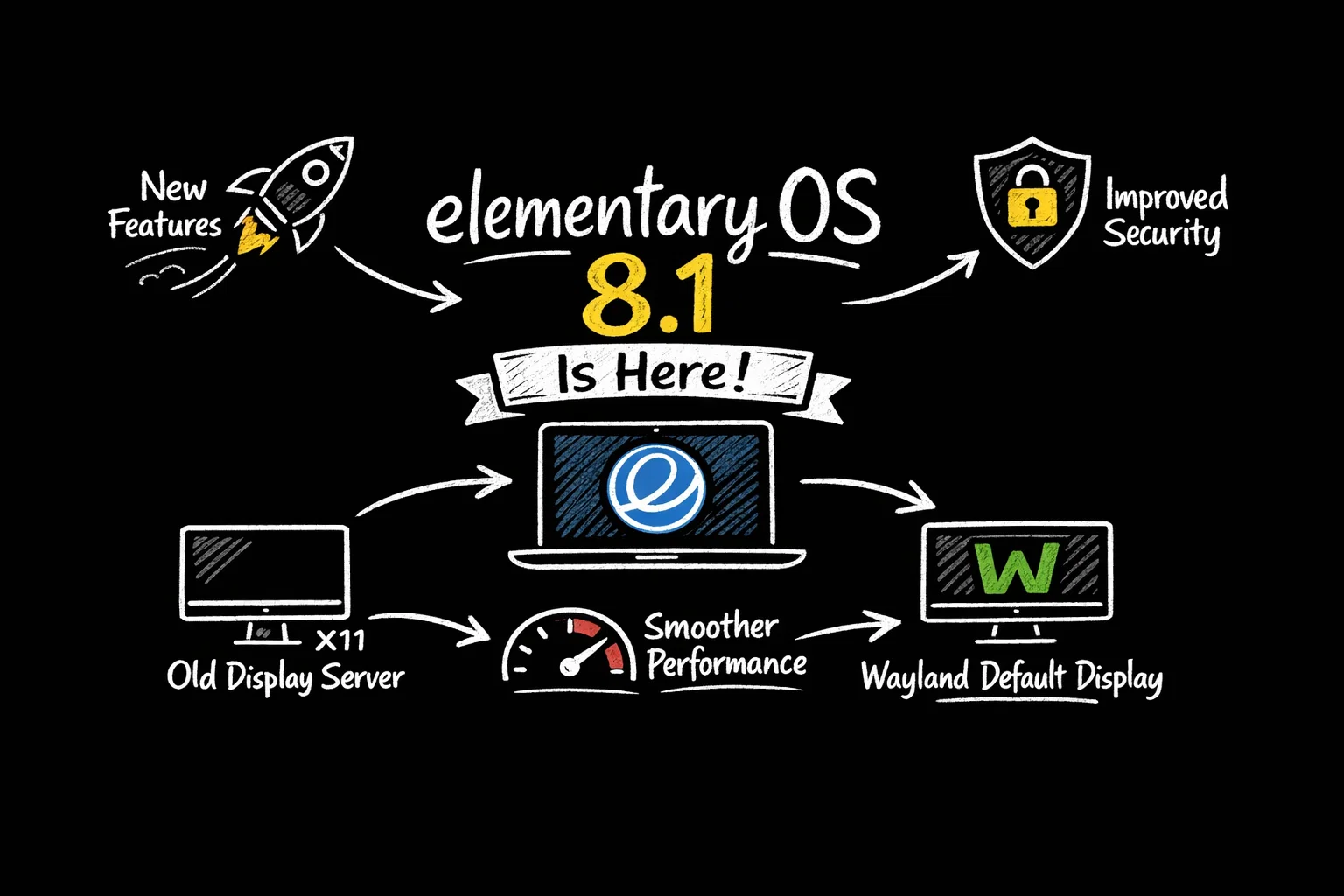
For years, Wayland has been the future of Linux desktops: safer, smoother, and better suited for modern displays. Now, with elementary OS 8.1, that future quietly becomes the default.
This release isn’t just a point update. It’s a clear signal that elementary OS believes Wayland is ready—not as an experiment, but as the standard desktop experience.
Let’s break down what changed, why it matters, and who should care.
Table of Contents
The Big Shift: Wayland Becomes the Default
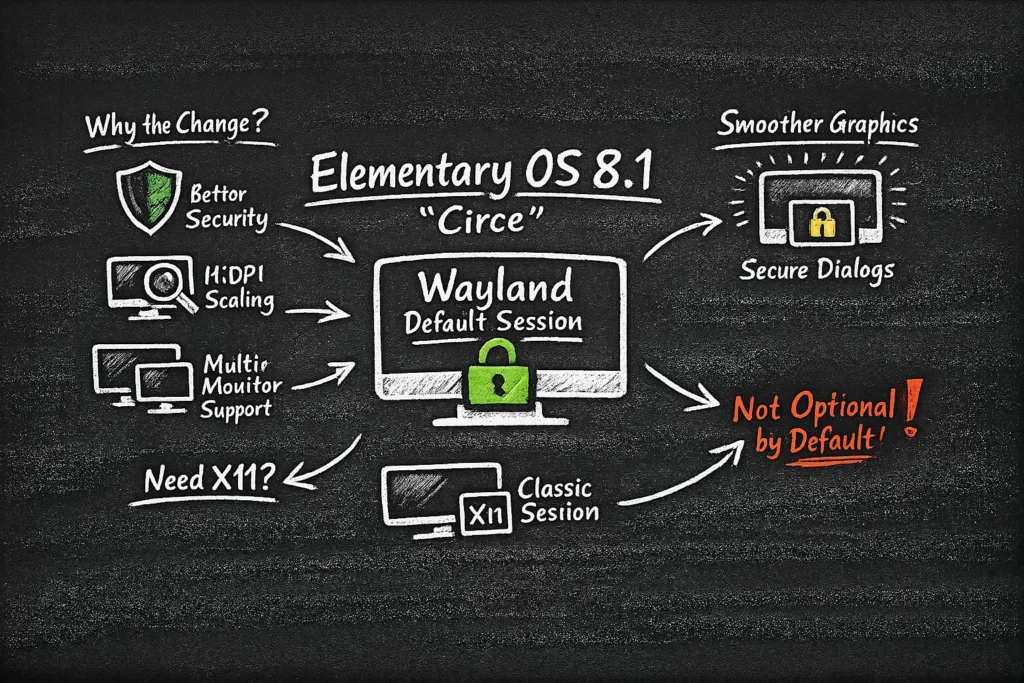
The headline feature of elementary OS 8.1 (“Circe”) is simple but significant:
Wayland is now the default display session.
Elementary calls it the Secure Session, and for most users, it replaces the traditional X11-based “Classic Session.”
This matters because display servers sit at the very foundation of the desktop. Switching defaults is not cosmetic—it’s architectural.
Why elementary OS Made the Move
Wayland brings several long-standing improvements over X11:
- Better security: apps can’t snoop on input or screen contents
- More reliable fractional scaling, especially on HiDPI displays
- Cleaner multi-monitor behavior
- Smoother animations and compositing
In elementary OS 8.1, security dialogs now dim the rest of the screen, preventing background apps from stealing focus—small detail, big UX win.
If you still need X11 (for legacy apps or workflows), it’s not gone. You can select the Classic Session at login. But the message is clear: Wayland is no longer optional by default.
See also: Mastering the Linux Command Line — Your Complete Free Training Guide
A More Polished Desktop Experience
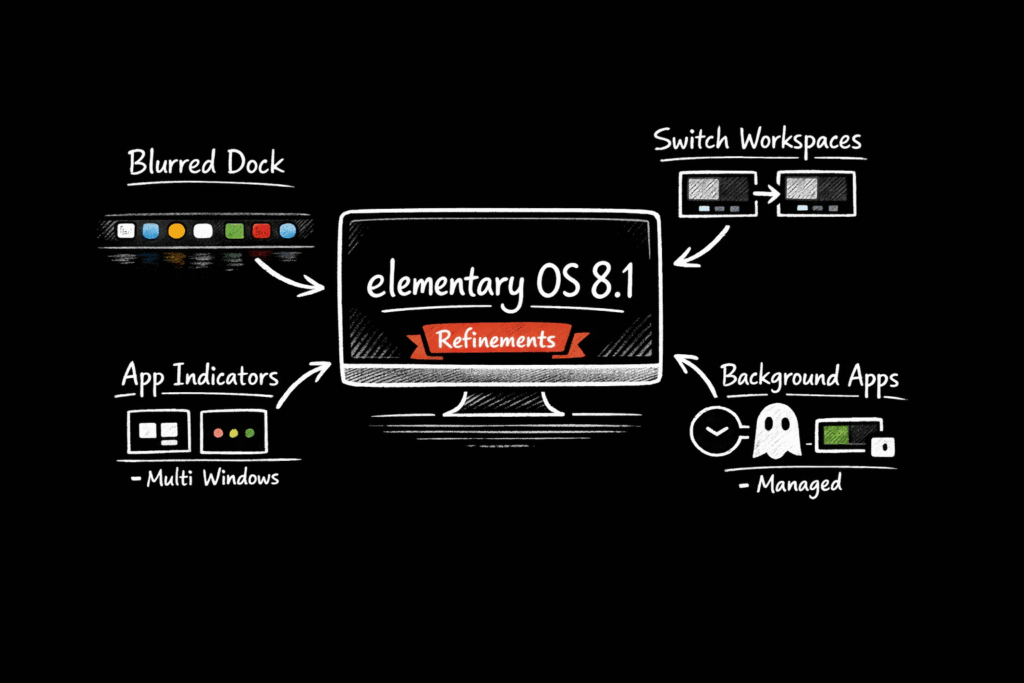
elementary OS has always emphasized design consistency, and 8.1 continues that tradition with a series of subtle but meaningful refinements.
Dock Improvements
The Dock gets several long-requested updates:
- Background blur for better visual separation
- Workspace switching built directly into the Dock
- Clearer indicators for apps with multiple windows
- Improved handling of background apps
It feels more informative without becoming cluttered—very on-brand for elementary.
Motion and Accessibility Tweaks
Animations across the system feel smoother under Wayland, but if motion isn’t your thing, there’s now a “Reduce Motion” toggle to tone things down.
Folder icons, Bluetooth settings, and system layouts have also been refined for clarity and consistency.
None of this screams “big new feature,” but together, it makes the desktop feel calmer and more intentional.
New Apps: Small, Focused, Useful
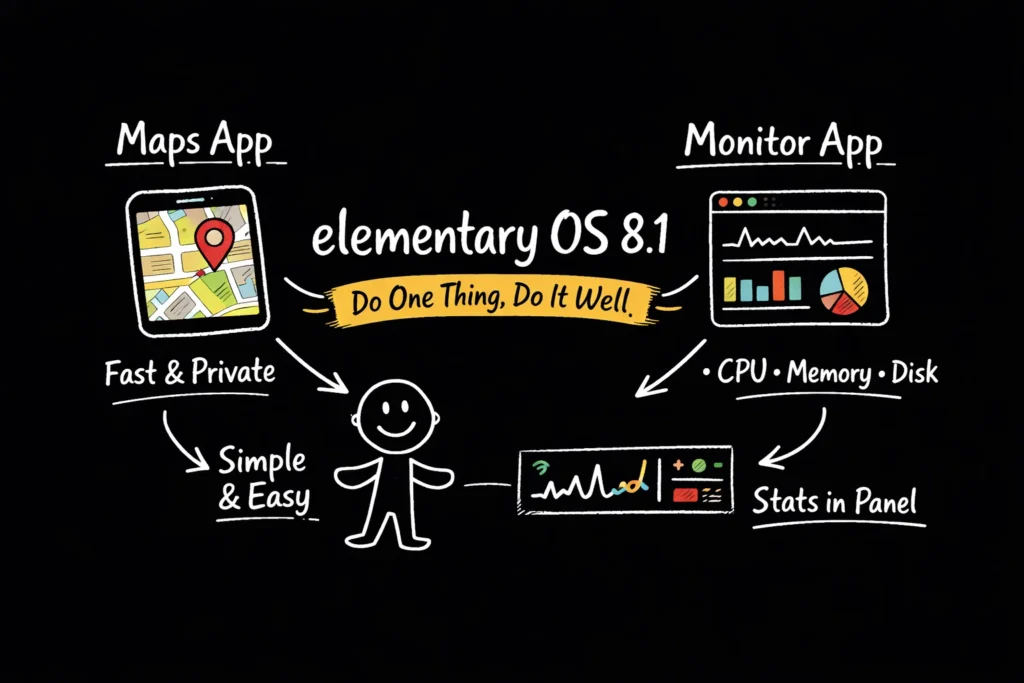
elementary OS 8.1 introduces a couple of new built-in apps that match its philosophy: do one thing, do it well.
🗺️ Maps
A lightweight map application built on OpenStreetMap. No tracking, no clutter—just fast local navigation.
📊 Monitor
A simple system monitor with live graphs for CPU, memory, and disk usage. It can even integrate into the panel for at-a-glance stats.
These aren’t power-user tools—but they don’t try to be. They’re designed for everyday visibility, not performance tuning.
App and Developer Tool Improvements
Several core apps received meaningful upgrades:
- Files now supports administrative access via
admin:// - Music gains better queue management
- Terminal gets usability polish
- Code improves Git integration and developer workflows
Meanwhile, AppCenter sees improved Flathub integration, clearer ratings, and better controller support indicators for games.
For users who live mostly in native or Flatpak apps, this makes the ecosystem feel more complete and less fragmented.
Under the Hood: Modern Foundations
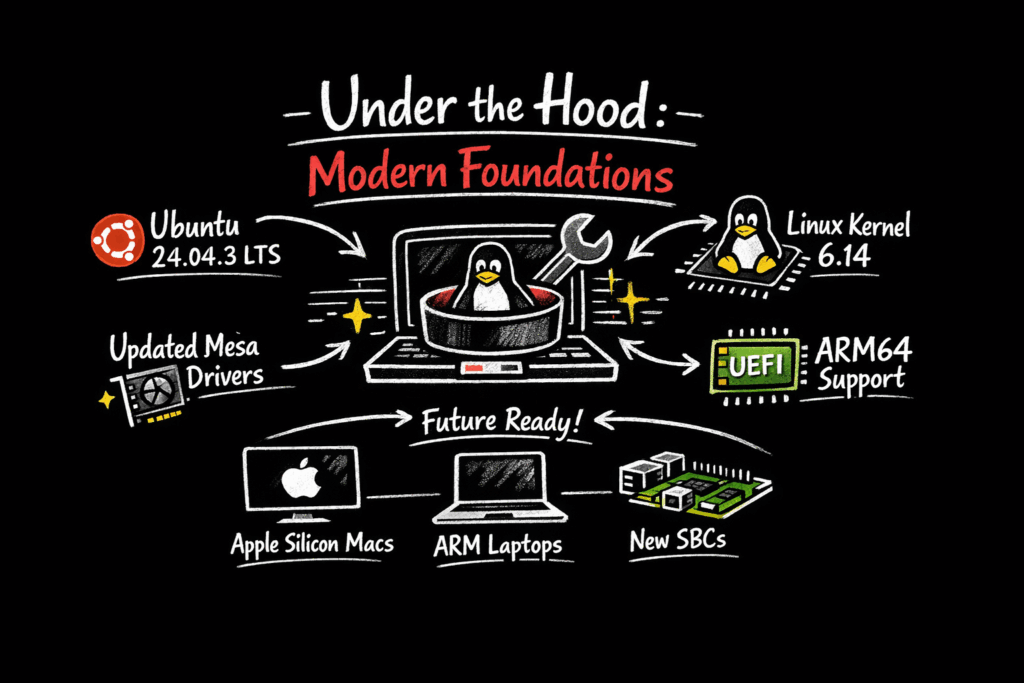
elementary OS 8.1 is built on a solid, modern base:
- Ubuntu 24.04.3 LTS
- Linux kernel 6.14
- Updated Mesa graphics drivers
- ARM64 support for UEFI-compatible devices
That last point is especially notable. With official ARM64 builds, elementary OS is positioning itself for a future that includes Apple Silicon Macs (via Asahi-style setups), ARM laptops, and newer SBCs.
Stability Over Flash
The elementary team reports over 1,100 bug fixes in this release.
That’s important context: 8.1 isn’t chasing trends—it’s consolidating. Wayland becomes the default not because it’s new, but because the team believes it’s stable enough to trust.
And that trust shows in the overall feel of the system.
Should You Upgrade?
If you’re already on elementary OS 8.0, the upgrade to 8.1 is an easy recommendation—especially if you:
- Use HiDPI or multi-monitor setups
- Care about desktop security
- Prefer a clean, distraction-free UI
- Want a modern Linux desktop without constant tweaking
If you rely heavily on legacy X11 workflows, you may want to test the Wayland session first—but the Classic Session is still there as a fallback.
Final Thoughts
elementary OS 8.1 doesn’t try to impress with flashy features. Instead, it does something harder: it makes a major architectural transition feel invisible.
Wayland fades into the background. The desktop stays calm. The system feels cohesive.
And that’s exactly the point.
Sometimes, the most important upgrades are the ones you barely notice—until you try to go back.