For decades, developing software for QNX has almost always meant one thing: cross-compilation.
You write code on Linux or Windows, compile it elsewhere, deploy it to a QNX target, test, repeat. It works—but it’s never felt especially modern.
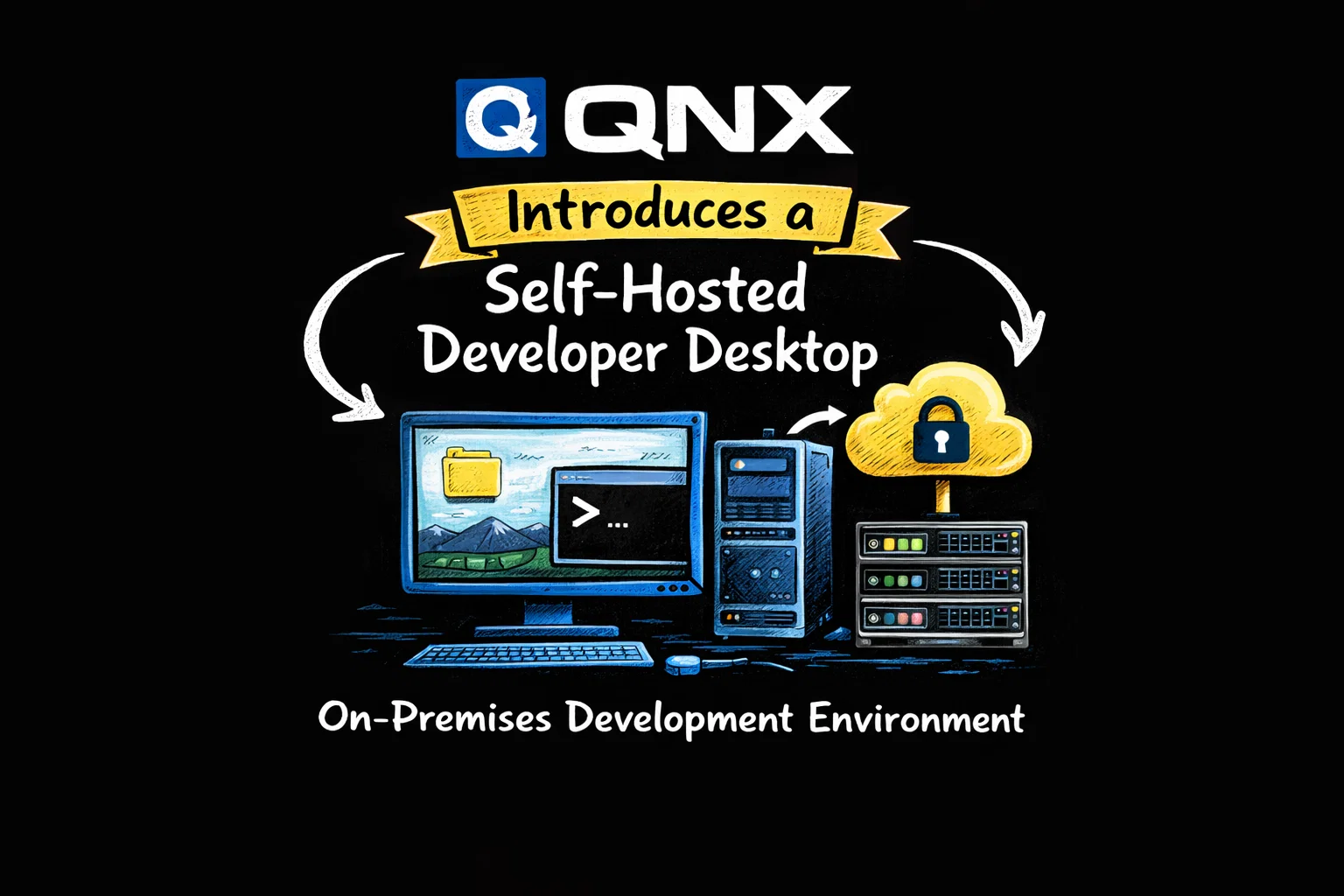
With the release of its Self-Hosted Developer Desktop for QNX 8.0, QNX is making a clear statement: that workflow no longer has to be the default.
Table of Contents
A Native Desktop, Running on QNX Itself
The new Developer Desktop is exactly what it sounds like: a full graphical development environment that runs directly on QNX 8.0, not on a separate host OS.
Instead of treating QNX as a remote target, developers can now build, run, and test software natively inside QNX, using the same system that will eventually ship in production.
At the center of this setup is a lightweight but familiar desktop:
- XFCE as the desktop environment
- Wayland as the display protocol
The result is a surprisingly approachable QNX experience—especially for developers coming from Linux.
Lowering the Barrier for New QNX Developers
One of the quiet challenges with QNX has always been onboarding. Even experienced Linux developers often face friction when first encountering QNX’s tooling and workflows.
The new desktop directly addresses this.
Out of the box, the environment includes a broad and practical toolchain:
See also: Mastering the Linux Command Line — Your Complete Free Training Guide
- Compilers: GCC and Clang
- Languages: C, C++, Python
- Build tools: Make and CMake
- Version control: Git
On the editor side, QNX didn’t try to reinvent anything. Instead, it ships tools developers already trust:
- Geany
- Emacs
- Neovim
- Vim
Add a terminal, a web browser, and the Thunar file manager, and you get a workspace that feels immediately usable rather than experimental.
Designed for Porting, Not Just Greenfield Work
Beyond convenience, the Developer Desktop serves a strategic purpose: making Linux-to-QNX porting easier.
Because developers can now compile and run code directly on QNX, porting libraries and applications becomes more iterative and less fragile. You can see failures immediately, inspect runtime behavior, and adjust without juggling toolchains or deployment scripts.
To reinforce this goal, the image includes sample projects covering:
- C and C++
- Python
- GTK
- OpenGL ES
These examples act as both learning material and validation points for native builds.
Delivered as a QEMU Image—for Now
This first release is intentionally conservative in its distribution model.
The Developer Desktop ships as a QEMU image, currently supported on:
- Ubuntu 22.04 LTS
- Ubuntu 24.04 LTS
With a free QNX license, developers can download the image through QNX Software Center by installing the QNX SDP 8.0 Quick Start Target Image for QEMU.
It’s not flashy—but it’s practical, and it makes experimentation easy without specialized hardware.
What Comes Next
QNX has been clear that this is only the starting point.
The roadmap already includes:
- QEMU images for Windows and macOS
- Native x86 images (no virtualization required)
- A dedicated build for Raspberry Pi
That last item is especially telling. It signals a desire to reach individual developers, not just automotive and industrial OEMs.
Why This Matters
This release isn’t about XFCE, Wayland, or even QEMU.
It’s about changing the mental model of QNX development.
By making QNX a place where you can comfortably sit, code, compile, and debug—rather than a distant deployment target—QNX is aligning itself more closely with modern development expectations.
For a real-time operating system with deep roots in safety-critical systems, that’s a meaningful shift.
And for developers who’ve always been curious about QNX but hesitant to jump in, this might finally be the easiest way to start.