If you’ve ever tried making videos with NotebookLM, you probably noticed something: the built-in styles felt… limited. They were clean, sure. But they didn’t stretch your imagination the way you hoped.
Good news — that changes now.
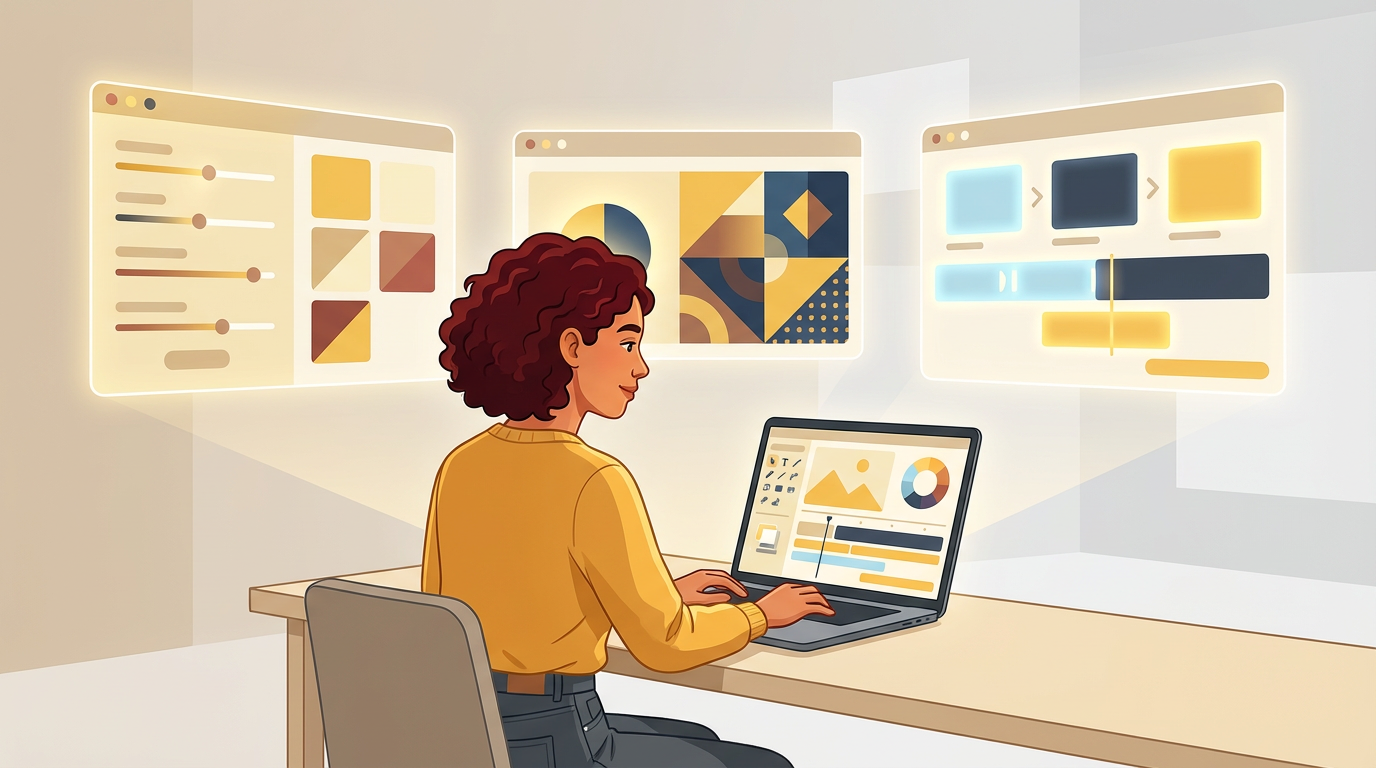
NotebookLM has finally introduced fully customizable video styles, and the difference is dramatic. It feels like someone handed us the director’s chair and said, “Go ahead, make something wild.”
I stayed up experimenting with the new update so you don’t have to. And after hours of testing, I distilled everything into 10 easy-to-use prompts that work right out of the box. No guesswork. No struggling with long descriptions.
But before we dive into the fun part, let’s start with a simple formula that will save you from a lot of trial and error.
Table of Contents
🎛️ Before You Begin: The Simple Formula That Never Fails
When we write prompts, it’s tempting to explain everything in long sentences. Something like:
“Please make a nostalgic video that looks old-fashioned with warm tones…”
Don’t worry — there’s a much easier way.
NotebookLM responds best to clear visual tags, not long paragraphs. After reviewing tons of official demos, I found one formula that works almost everywhere:
Core Format + Style Reference + Visual Enhancements
Here’s what each part means:
See also: Mastering the Linux Command Line — Your Complete Free Training Guide
Core Format
Tell the model what it is: photo, illustration, 3D render, and so on.
Style Reference
This is the secret sauce. Name an artist or a distinctive style directly.
It’s the fastest way to anchor a look.
Visual Enhancements
Add details like lighting, material, color mood.
That’s it.
Use this structure and you won’t run into headaches.
Ready? Let’s look at the 10 style presets you can use right away.
To help the flow, I grouped them into “creative clans” — each with a different mood.
🎨 Clan One: Time Travelers
1. 8-Bit Pixel Retro
If you want a scene that instantly feels like an early console game, this style works beautifully. You can use it to explain the history of computer graphics or turn a coding tutorial into something playful.
For example, you might prompt:
“8-bit pixelated art style, classic console aesthetic, vibrant blocky colors — show a character walking through a pixel dungeon to explain debugging steps.”
2. Vintage Film Leak
This style captures the softness of old photographs, perfect for personal stories or timelines. It works especially well when you want to give tech history a nostalgic twist. A simple prompt could be:
“Vintage instant-camera photo style, film grain, warm light leaks — visualize the timeline of smartphones as if browsing an old family album.”
🧠 Clan Two: Imagination Mode
3. Soft & Cute 3D
This style adds warmth and friendliness to any topic. It’s especially great for beginner explainers or intimidating concepts that you want to make approachable. A practical example:
“Super cute 3D style, pastel colors, rounded shapes — show a tiny mascot character pointing at floating icons of CPU, RAM, and disk.”
4. Surreal Dreamscape
When you’re exploring creativity, introspection, or abstract ideas, this dreamlike style shines. You can easily express metaphors or inner thoughts. For example:
“Surrealist dreamscape style, fluid shapes, floating staircases — visualize the idea of ‘thinking outside the box’ using impossible architecture.”
5. Stop-Motion Clay Look
This handcrafted, textured clay style brings charm to technical explanations. It feels handcrafted and human. One way to apply it is:
“Stop-motion clay animation style, handmade textures — show clay characters assembling a server rack to explain infrastructure concepts.”
💥 Clan Three: Attention-Grabbers
6. Pop Art Burst
If your video needs instant energy, this is the one. It’s loud, colorful, and grabs attention in the first second—perfect for announcements or fast intros. A usable prompt might be:
“Pop Art style, bold outlines, neon colors — show a comic-style ‘CPU spike’ moment with exaggerated bursts.”
7. Cyber Neon Tech
This is the go-to for anything futuristic: AI, cybersecurity, digital transformation. The bright neon lines and soft glitches make even simple concepts feel high-tech. For example:
“Futuristic neon digital art, glowing interface panels — visualize data flowing through a network in bright cyan and magenta.”
🌍 Clan Four: Safe & Professional
8. Cinematic Nature Documentary
When you need visuals that feel serious and educational, this crisp, documentary-like style works perfectly. You can treat technical scenes like wildlife moments. For instance:
“Hyper-realistic cinematic nature style — show close-up slow-motion shots of a server fan spinning like a nature documentary scene.”
9. Minimal Hand-Drawn Illustration
This calm, elegant style keeps the viewer focused on the message rather than the art. It’s great for breaking down complex workflows. A simple example is:
“Minimal hand-drawn illustration style — show a simple sketch of workflow arrows explaining how requests move through a backend.”
10. Clean 3D Isometric Tech
A modern choice for tech explainers, architecture diagrams, or product walk-throughs. It feels polished and professional without being distracting. A sample prompt could be:
“Clean 3D isometric illustration, soft ambient lighting, smooth surfaces — show a server, database, and API layer connected with glowing lines.”
Before You Go: Why This Matters
This update changes the way we create.
You no longer need to settle for generic styles or hope the system “gets” your idea.
With the right prompt structure, you shape your own visual language.
And the best part?
You don’t need advanced skills.
Just pick a style, paste the prompt, and adjust from there.
If you’re ready to experiment, NotebookLM finally feels like a true creative tool — not just a utility.