Running databases in the cloud is always a balancing act.
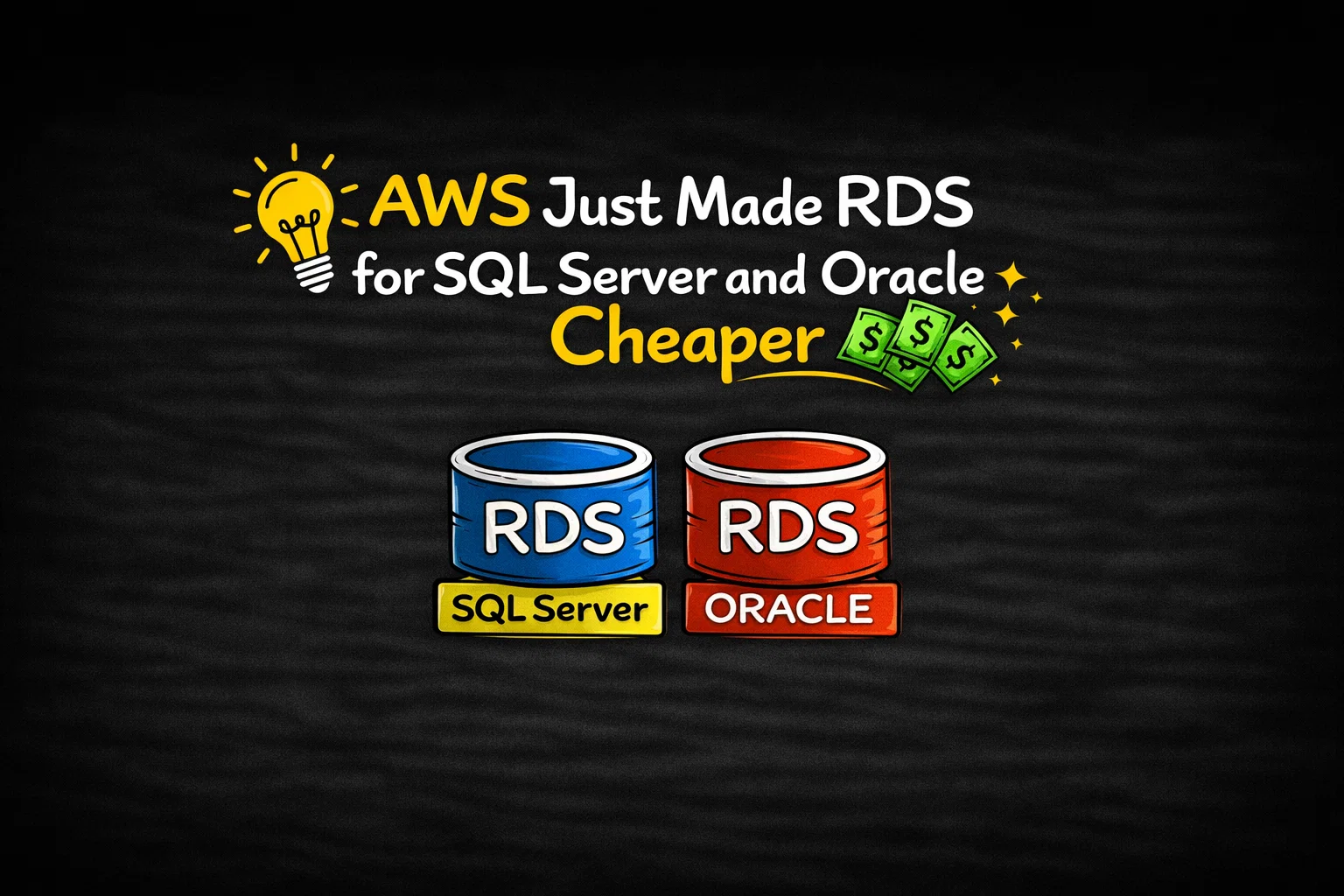
You want enough performance to handle production workloads, enough flexibility for growth, and — ideally — a bill that doesn’t spiral out of control. At re:Invent 2025, AWS quietly rolled out a set of updates to Amazon RDS for SQL Server and Oracle that aim to improve all three.
None of these changes are flashy on their own. Together, though, they make RDS noticeably more cost-efficient and scalable, especially for teams running mixed dev, test, and production environments.
Table of Contents
SQL Server Developer Edition finally lands on RDS
One of the most practical updates is support for SQL Server Developer Edition on Amazon RDS.
Developer Edition includes all Enterprise Edition features, but it’s licensed for non-production use. Until now, using it on RDS wasn’t an option. With this change, teams can run full-feature SQL Server in development and testing without paying SQL Server licensing fees.
That brings two immediate benefits:
- Much lower costs for dev and test environments
- Better parity between development and production setups
You still get everything RDS provides — automated backups, patching, monitoring, and encryption — just without the Enterprise Edition price tag during development.
For teams that test heavily before production, this alone can cut a noticeable chunk out of monthly costs.
New M7i and R7i instances, with smarter CPU licensing
AWS is also introducing M7i and R7i instances for RDS for SQL Server, and they’re more than just a generational refresh.
These instance types offer up to 55% lower costs compared to previous generations. More importantly, AWS now lets you optimize CPU usage on license-included SQL Server deployments.
See also: Mastering the Linux Command Line — Your Complete Free Training Guide
Why does that matter? Because SQL Server licensing is tied to vCPU counts.
With the new optimize CPU option, you can reduce the number of vCPUs while keeping the same memory and IOPS levels. That’s ideal for workloads that are memory-heavy or I/O-bound but don’t actually need lots of CPU cores.
Under the hood, this also disables hyperthreading and allows higher memory-to-vCPU ratios. In practice, it means:
- Lower licensing costs
- Better alignment between workload needs and instance sizing
- More predictable database bills
For SQL Server users, this is one of the more meaningful cost controls AWS has added in a while.
RDS storage gets a lot bigger — and more flexible
Storage is the other big area getting an upgrade.
RDS for Oracle and SQL Server now supports up to 256 TiB per database instance, thanks to the ability to attach up to three additional storage volumes.
This isn’t just about raw size. It’s about flexibility.
You can now mix storage types:
- Put hot, performance-sensitive data on io2
- Keep less active or historical data on gp3
- Add temporary volumes for imports or month-end processing — then remove them when you’re done
All of this happens without downtime. You can add or remove volumes on running instances, and scale multiple volumes in parallel. In Multi-AZ setups, the additional volumes are automatically replicated, so availability isn’t compromised.
For growing databases, this removes a lot of the old “plan everything upfront” pressure.
What this means in practice
Individually, these updates are incremental. Together, they point in a clear direction.
AWS is making RDS more cost-aware, more scalable, and more practical for real-world database lifecycles — from development to production.
- Developer Edition lowers the barrier for testing
- CPU optimization reduces SQL Server licensing waste
- Additional storage volumes make growth less painful
If you’re already running SQL Server or Oracle on RDS, these changes are worth revisiting your instance and storage choices. There’s a good chance you can get better performance-per-dollar without changing your architecture.
And that’s usually the best kind of cloud update.
Reference: https://aws.amazon.com/blogs/aws/amazon-rds-for-oracle-and-rds-for-sql-server-add-new-capabilities-to-enhance-performance-and-optimize-costs/