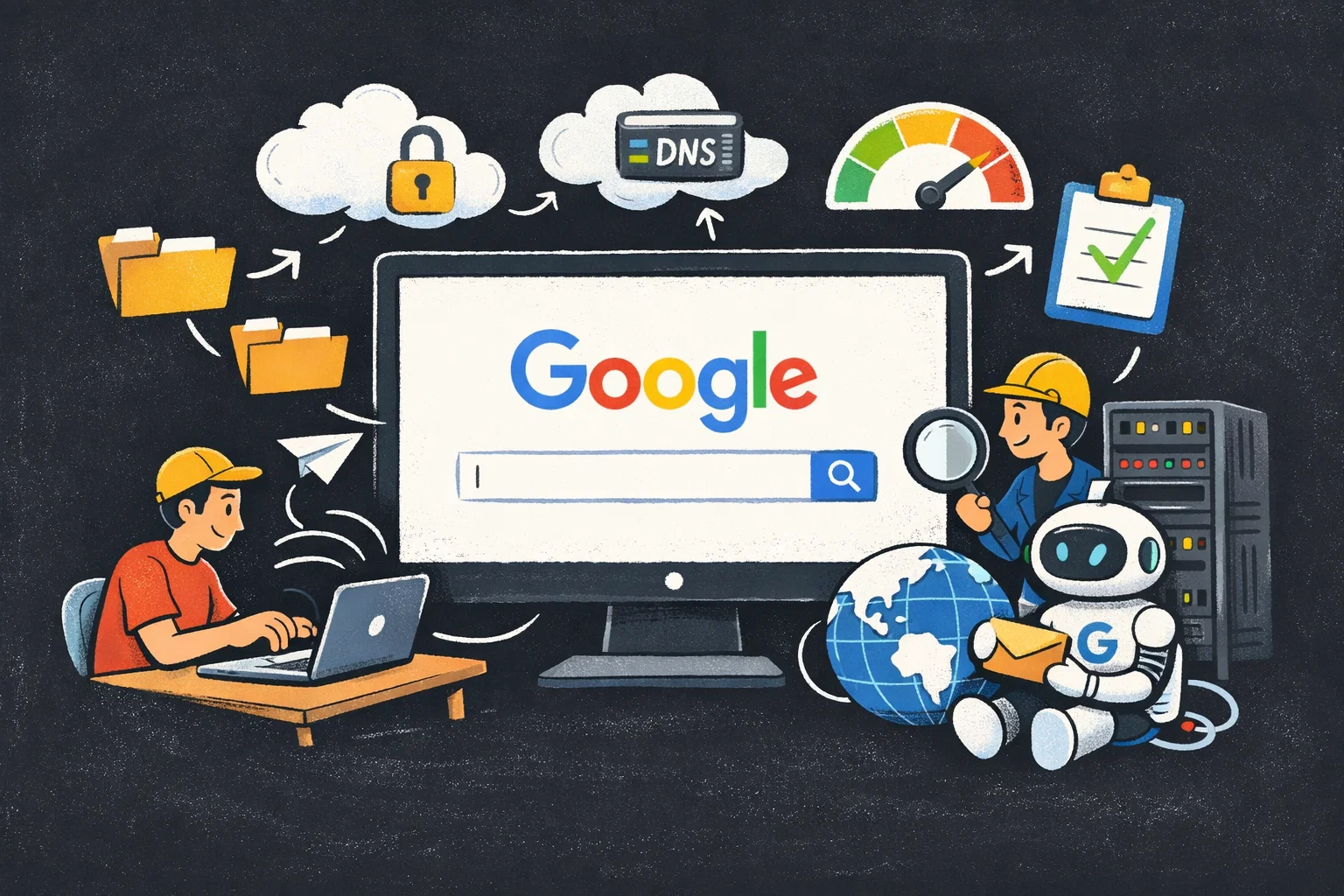
It is perhaps the most frequent action on the internet: typing google.com into a browser and hitting Enter. While it feels instantaneous, this simple action triggers a complex cascade of events spanning networking protocols, hardware routing, and browser rendering engines.
Here is the step-by-step technical journey of that request.
Table of Contents
1. Parsing the URL
Before any network traffic leaves your computer, the browser must understand what you are asking for. It parses the text google.com to determine the protocol and resource.
- Protocol: Since you likely didn’t type
http://orhttps://, the browser assumesHTTPinitially (though modern browsers often default toHTTPSvia HSTS preload lists). - Resource: It identifies
google.comas the domain name and/(the root) as the requested path.
2. DNS Lookup: Finding the Address
The browser knows the name of the server, but the internet runs on IP addresses. To send a message to Google, your computer needs Google’s IP address (e.g., 142.250.190.46). This resolution process happens in layers:
- Browser Cache: The browser checks its own cache of recently visited sites.
- OS Cache: If not found, it asks the Operating System (OS). The OS checks its
hostsfile and local DNS cache. - Router Cache: If still not found, the request goes to your local router.
- ISP DNS: The router forwards the query to your Internet Service Provider’s (ISP) DNS server.
- Recursive Search: If the ISP doesn’t know, it initiates a recursive search through the internet’s root nameservers, to the
.comTop-Level Domain (TLD) servers, and finally to Google’s authoritative nameservers, which return the correct IP address.
3. Establishing a Connection (TCP/IP & TLS)
Now that your browser has the IP address, it must build a connection.
The TCP 3-Way Handshake
To ensure reliable delivery, the browser opens a TCP (Transmission Control Protocol) socket.
- SYN: Your computer sends a packet with the SYN (synchronize) flag to Google’s server.
- SYN-ACK: Google receives it and replies with a SYN-ACK packet.
- ACK: Your computer responds with an ACK packet. The connection is established.
The TLS Handshake (HTTPS)
Since Google uses HTTPS (secure HTTP), a TLS (Transport Layer Security) handshake occurs next to encrypt the data.
- Client Hello: Your browser sends supported encryption standards.
- Server Hello: Google selects an encryption method and sends its SSL certificate.
- Verification: Your browser verifies the certificate with a Certificate Authority (CA) to ensure you are actually talking to Google.
- Key Exchange: Both sides generate session keys to encrypt all future communication.
4. Sending the Request
With a secure pipe established, the browser sends the actual HTTP request.
GET / HTTP/1.1
Host: google.com
User-Agent: Mozilla/5.0 (Windows NT 10.0; Win64; x64) ...
Accept: text/html,application/xhtml+xml...
This tells Google’s server: “I want to GET the root page (/), and here is information about my browser (User-Agent) so you know how to format it.”
5. Server Processing
Your request doesn’t just hit a single computer. It hits Google’s massive infrastructure.
See also: Mastering the Linux Command Line — Your Complete Free Training Guide
- Load Balancer: The request first hits a load balancer, which distributes traffic across thousands of servers to prevent overloading.
- Web Server: The specific server selected processes the request. It fetches the HTML content, potentially querying databases or other microservices to customize the page (e.g., checking if you are logged in or determining your region for the “Google Doodle”).
6. The Response
Google’s server shoots back an HTTP response.
HTTP/1.1 200 OK
Date: Sat, 25 Jan 2026 12:00:00 GMT
Content-Type: text/html; charset=ISO-8859-1
...
<!doctype html><html...
- Status Code 200: Means “Success.”
- Headers: Metadata about the content (how long to cache it, what language it is).
- Body: The actual HTML code of the Google homepage.
7. Browser Rendering
Your browser receives the stream of HTML data and begins the critical job of painting the pixels on your screen.
- DOM Construction: The browser parses the HTML tags into a DOM (Document Object Model) tree—a structural map of the page content.
- CSSOM Construction: It finds
<link>tags for CSS stylesheets. It requests these files and builds the CSSOM (CSS Object Model), defining how elements should look (colors, fonts, spacing). - Render Tree: The DOM and CSSOM are combined into a Render Tree, which contains only the visible elements.
- Layout (Reflow): The browser calculates the exact geometry (position and size) of every element on the screen.
- Paint: The browser fills in the pixels (colors, shadows, images).
8. JavaScript Execution
Finally, the browser encounters <script> tags. It pauses parsing (unless the script is marked async or defer) to download and execute the JavaScript. This code makes the page interactive—enabling the search bar specific behaviors, the “I’m Feeling Lucky” button logic, and account dropdowns.
All of these steps—dozens of network hops, cryptographic exchanges, and complex rendering calculations—happen in roughly 0.5 to 1 second.