For over 40 years, the Linux terminal has followed a strict “silent” code: when you type your password after a sudo command, the screen stays perfectly still.
To a seasoned pro, this is second nature; to a newcomer, it often looks like the computer has frozen.
Now, a major change in sudo-rs—the memory-safe Rust reimplementation of the classic tool—is ending that silence by default, and not everyone is happy about it.
Table of Contents
The Pain Point: The “Void” of Silent Entry
The traditional sudo implementation provides no visual feedback to prevent anyone looking over your shoulder from guessing your password length.
While secure, developers argue this creates a “major UX pain point” for new users who don’t realize the terminal is actually recording their keystrokes.
The Big Change: Visual Feedback by Default
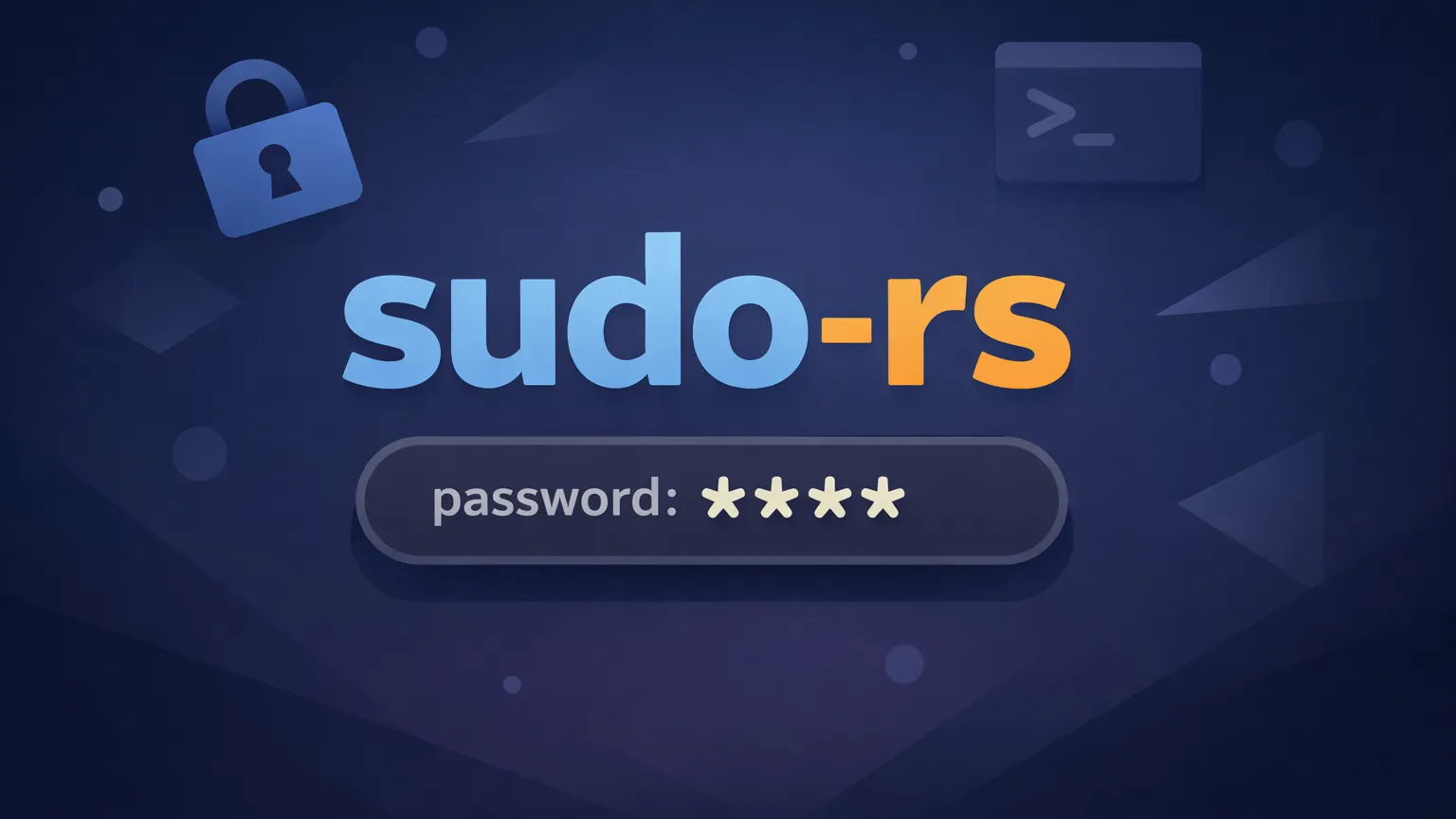
In a recent upstream commit, the sudo-rs project officially enabled the pwfeedback option by default.
- What happens now: When you type your password, the terminal displays asterisks (
*) for every character. - Where you’ll see it: This is set to be the default experience in the upcoming Ubuntu 26.04 LTS, marking a massive shift for one of the world’s most popular Linux distributions.
The Debate: “Infinitesimal” Risk vs. “Sly Smiles”
The decision has sparked a heated debate between usability advocates and security purists:
- The Pro-UX Stance: Supporters argue that no other modern login prompt stays silent and that the security benefit of hiding password length is “infinitesimal” compared to the confusion it causes. Some even call the old way a “1970s holdover”.
- The Security Stance: Critics, including Linuxiac editor Bobby Borisov, argue that this “re-educates” users away from a decade-long philosophy. The concern is real: seeing the exact number of asterisks allows an onlooker to infer password length, which is a clear security downgrade.
The “How-To” Cheatsheet: Restoring the Silence
If you find the new asterisks distracting or insecure, you don’t have to live with them. The behavior remains fully configurable.
| Goal | Action | Configuration Line |
|---|---|---|
| Enable Asterisks | Show *** while typing | Defaults pwfeedback |
| Restore Silence | Hide all visual feedback | Defaults !pwfeedback |
| Apply Change | Edit your configuration | Run sudo visudo |
Summary: A Culture Shift in the Terminal
While sudo-rs is currently far from mass adoption, its inclusion in Ubuntu 26.04 means millions of users are about to encounter this change.
Whether you view it as a long-overdue UI improvement or a dangerous break from tradition, the power remains in the configuration file.
See also: Mastering the Linux Command Line — Your Complete Free Training Guide
As one commentator noted, if someone is close enough to count your asterisks, they are likely close enough to see your fingers on the keyboard anyway.
However, for those who value the “silent” giants of Unix history, a quick edit to the sudoers file will bring the 1970s—and their secrets—right back.
Resources
- Official Ubuntu Release Schedule: https://ubuntu.com/about/release-cycle
- Ubuntu 26.04 LTS Release Notes: https://discourse.ubuntu.com/t/resolute-raccoon-release-notes/