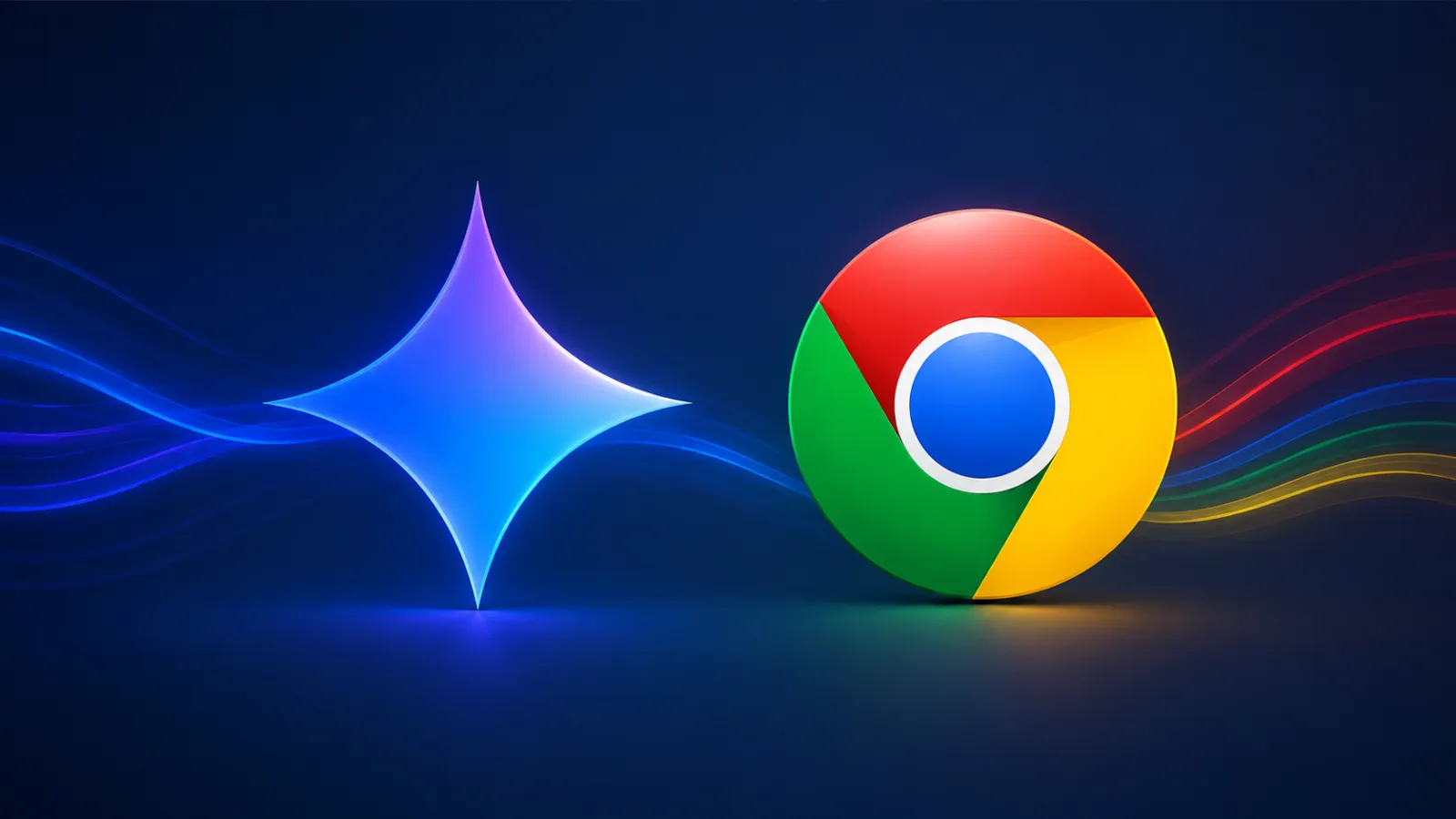
Google is continuing the gradual global rollout of Gemini in Chrome, and the latest stop is the United Kingdom. Starting today, UK desktop users get the AI assistant baked directly into their browser, with mobile support to follow.
Table of Contents
How It Works
On Mac, Windows, and Chromebook Plus, you launch Gemini from the top-right corner of any Chrome window. There are several other entry points too:
- A keyboard shortcut
- The Mac menu bar or Windows system tray
- A right-click “Ask Gemini” option in the page context menu
Gemini opens either as a side panel next to the page you’re viewing or as a floating window. You can tweak it under Settings > AI innovations > Gemini in Chrome, and move the panel left or right via Settings > Appearance > Side panel position.
What It Can Do
Google highlights three main capabilities:
- Summarize and compare — condense lengthy content or compare information across multiple open tabs.
- Google app integration — schedule meetings with Calendar, check locations in Maps, draft emails in Gmail, and ask questions about YouTube videos, all without leaving the current page.
- Image editing — using Nano Banana 2, transform images on the web with a simple text prompt.
The Rollout So Far
The UK joins a steadily expanding list:
| When | Regions |
|---|---|
| Launch | United States |
| March | Canada, India, New Zealand |
| April | Asia Pacific |
| June | Latin America, Africa, Middle East |
| July | United Kingdom |
In the UK, Gemini is arriving first on desktop Chrome, with Chrome for iOS support coming next month.
The Takeaway
Gemini in Chrome is inching toward global availability, and the UK is now on the map. If you’re a UK desktop Chrome user, look for the Gemini button in the top-right corner — and if it hasn’t appeared yet, expect it soon as the staged rollout completes, with iOS following in about a month.