Apple has quietly been building something that could reshape how developers run Linux workloads on a Mac, and this month it reached a meaningful milestone.
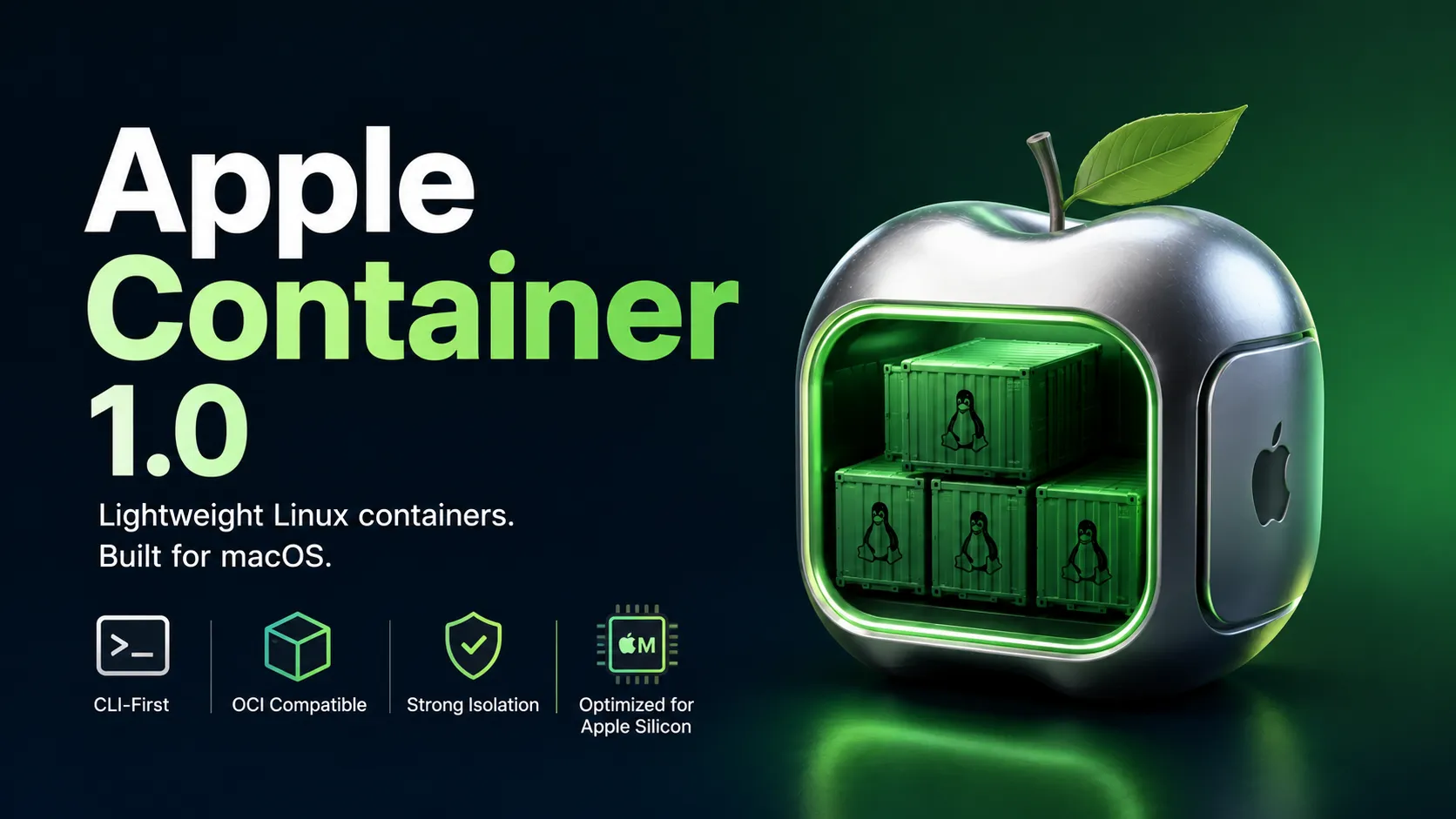
On July 3, 2026, the company released Apple Container 1.0, the first major stable version of its open-source, Swift-powered tool for running Linux containers directly on macOS. Coming roughly a year after the project’s initial debut, the 1.0 release signals that Apple’s container effort has matured from an interesting experiment into something developers can actually build a workflow around.
Table of Contents
What Apple Container Actually Is
At its core, Apple Container is a command-line tool for creating, running, building, and publishing OCI-compatible Linux containers straight from macOS. The catch, of course, is that macOS cannot run Linux containers natively the way a Linux host can. Apple’s answer is virtualization: rather than sharing one large virtual machine across every container, as Docker Desktop does on the Mac, Apple Container spins up lightweight Linux VMs and gives each container its own isolated environment. The result is stronger isolation and a design that feels distinctly native to Apple Silicon rather than bolted on.
This approach was the foundation of the original release. The 1.0 version keeps that architecture but builds a much richer experience on top of it.
The Headline Feature: Persistent “Container Machines”
The most significant addition in 1.0 is the introduction of the container machine. Where an ordinary container is typically modeled around a single application or process and lives only as long as that process runs, a container machine is designed as a persistent Linux environment. In Apple’s framing, it is meant to deliver a highly integrated Linux setup that works seamlessly on a Mac, based on standard OCI images that can still be built and shared like any other.
That persistence matters more than it might first appear. Instead of spinning up throwaway containers, developers can now create long-lived Linux environments that survive across sessions, run a full init system, and host long-running background services. It moves Apple’s tool out of the narrow “run this one process” niche and into the territory of a genuine, always-available Linux workspace living alongside macOS. The design is documented in Apple’s own container machine guide.
Deep Host Integration
Where container machines really shine is in how tightly they weave the macOS and Linux worlds together. A container machine automatically maps your macOS username and home directory into the Linux environment, which means your repositories and dotfiles are instantly available on both sides. In practice, that lets a developer edit code with native macOS tools — a preferred IDE or editor — while building and running the very same project inside Linux, with no awkward file syncing or manual volume juggling in between.
Rounding out the release is support for real Linux services, making a container machine a practical place to test applications against background services, and support for multiple target distributions. Developers can stand up separate machines for Alpine, Ubuntu, Debian, or other images while still sharing the same macOS home directory and dotfiles across all of them.
Managing It All
The new container machine command set is where day-to-day management happens. Users can create machines, open interactive shells, run one-off commands, designate a default machine, list and inspect environments, and stop or remove them when they are no longer needed. Resource settings such as CPU and memory allocation are adjustable, and the home-directory mount can be configured as read-write, read-only, or disabled entirely depending on how much access you want to hand the Linux side.
For advanced users, container machine even supports nested virtualization, though with strict requirements: it needs an Apple Silicon M3 or newer Mac running macOS 15 or later, plus a Linux kernel built with KVM support. Apple is upfront that the default kernel does not enable this, so anyone who needs nested virtualization has to supply a suitable custom kernel.
See also: Mastering the Linux Command Line — Your Complete Free Training Guide
Where to Get It
Apple Container 1.0 is available now from the project’s GitHub releases page, with full documentation published alongside it.
The Takeaway
The 1.0 release pushes Apple Container well beyond disposable, single-process containers and toward persistent, deeply Mac-integrated Linux development environments. For developers on Apple Silicon who want their macOS editing experience and their Linux build-and-run environment to feel like one continuous workspace, it is a genuinely compelling option. It is not going to unseat Docker’s ecosystem or its Compose-driven workflows overnight — but as a native, open-source foundation that Apple is clearly committed to maturing, version 1.0 makes the project much harder to dismiss.