If you’ve ever managed a Linux server, you know the ritual. A new developer joins the team, and you need to grant them access. You get their public key, SSH into a server, vim open the ~/.ssh/authorized_keys file, paste in the new key, and save.
Job done. Simple, right?
For one server, maybe. But what about ten? A hundred? A thousand?
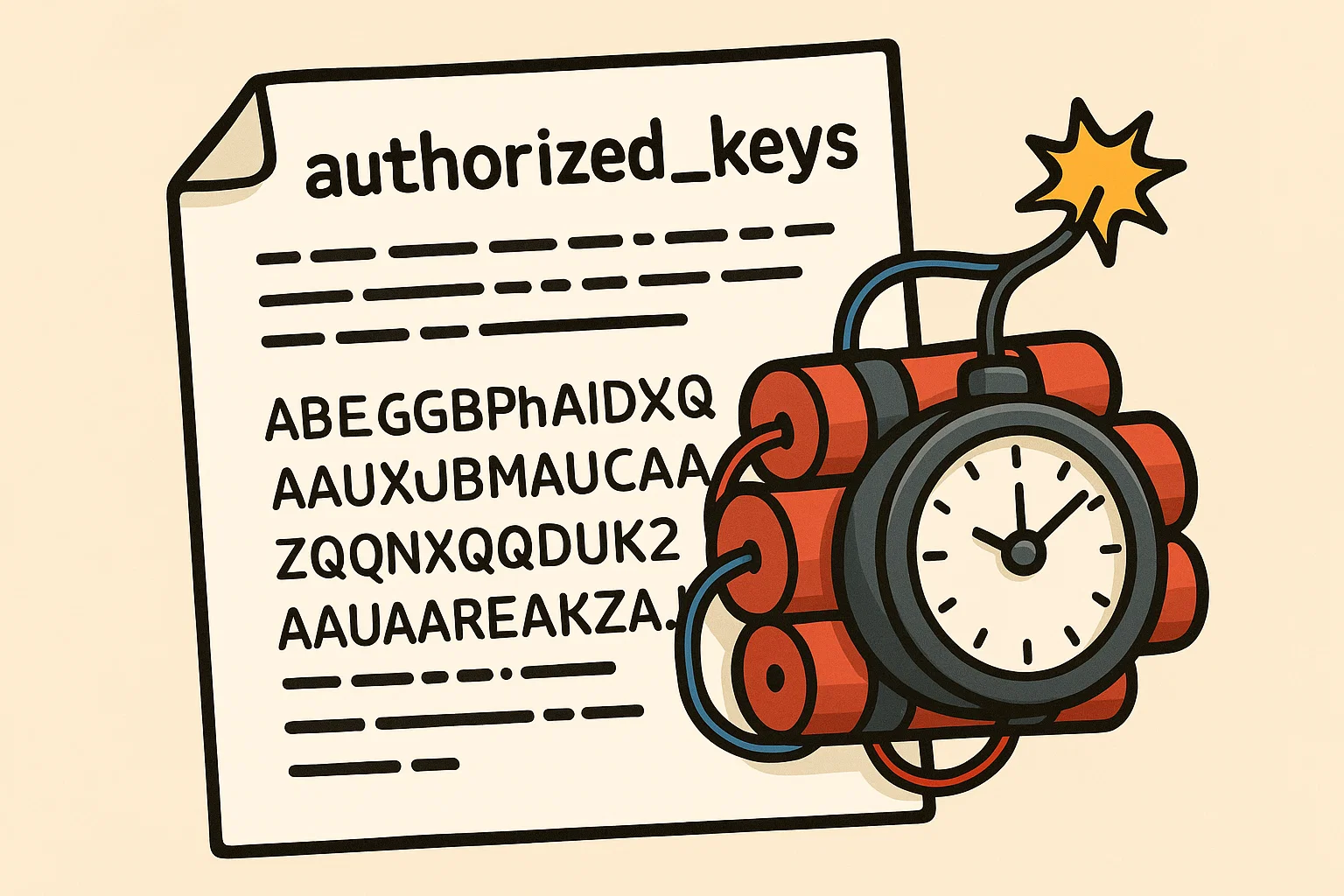
That simple, trusted authorized_keys file, the one we’ve all relied on for years, slowly turns into a security nightmare. It’s a ticking time bomb, quietly accumulating risk with every key you add. Let’s talk about why this is a huge problem and how a much better approach—SSH certificates—can defuse it for good.
Table of Contents
The Hidden Dangers of a Simple Text File
At first glance, managing SSH keys seems straightforward. But as your team and infrastructure grow, this manual process starts to break down in dangerous ways.
Problem #1: The Endless Sprawl
SSH keys multiply like rabbits. Every user needs a key for every server they access. Soon, you have hundreds, or even thousands, of keys scattered across your entire infrastructure.
This creates a massive blind spot. Can you confidently say, right now, exactly who has access to your critical production database server? Which key belongs to the contractor who left six months ago? The authorized_keys file is just a list of cryptic public keys; it offers no context, no ownership, and no easy way to audit. It’s like handing out physical keys to your office but keeping no record of who has which key.
Problem #2: The “Immortal” Key
See also: Mastering the Linux Command Line — Your Complete Free Training Guide
Here’s a terrifying fact: an SSH key, by default, never expires. It grants access forever, or until someone remembers to manually remove it.
Think about that. A key generated five years ago for a temporary project is just as powerful today as it was then. A developer’s laptop gets stolen, and their private key is now in the wild. You might not discover the breach for months, but that key remains a permanent backdoor into your systems.
Problem #3: The Revocation Nightmare
Okay, so you realize an old key needs to be removed. What do you do?
You have to hunt it down. You must log into every single server where that key might exist, find the exact line in the authorized_keys file, and delete it. It’s a tedious, error-prone process. Miss just one server, and you’ve left a door wide open. Now imagine doing this for an employee who had access to dozens of machines. It’s a recipe for human error.
This system just doesn’t scale. It’s brittle, messy, and fundamentally insecure. So, if our trusty old method is broken, what’s the alternative?
The answer isn’t a better way to manage keys. It’s to stop managing individual keys altogether.
A Better Way: Trusting an Authority, Not a Key
Let’s switch gears and think about a real-world analogy. Imagine you’re a bouncer at an exclusive club.
The old way (SSH Keys): You have a massive binder filled with photocopies of every member’s house key. When someone shows up, you have to take their key and flip through your giant binder to see if you have a matching copy. It’s slow, and if someone loses their key, you have no idea who might pick it up and use it.
The new way (SSH Certificates): You don’t have a binder anymore. Instead, your club trusts one single source: the DMV. When a guest arrives, they show you their driver’s license. You don’t need to know them personally. You just check that the ID was issued by the DMV, it hasn’t expired, and the photo matches the person in front of you.
That’s exactly how SSH certificates work.
An SSH Certificate isn’t just a public key. It’s a digital ID card that bundles a user’s public key with critical information like their name, an expiration date, and specific permissions. This entire package is then “signed” by a central, trusted source called a Certificate Authority (CA).
Your servers no longer need a giant list of every single key. Instead, they learn one simple rule: trust any certificate signed by our company’s CA.
How It Works in Practice (It’s Simpler Than You Think)
Once you set up your own internal CA (which is easier than it sounds), your workflow completely changes.
- One-Time Setup: You configure your servers to trust your CA. This is usually just adding a single line to your SSH config file. You do this once and likely never touch it again for user management.
- Getting Access: When a developer, let’s call her Anna, needs to work, she doesn’t send you her public key. Instead, she requests a certificate from the CA. She might ask for an 8-hour certificate that only grants her access to the
web-prodservers. - Connecting: Anna then uses that temporary certificate to SSH into a server.
- The Magic: The server sees her certificate. It checks the signature and confirms, “Yep, this was signed by our trusted CA. It’s for Anna, it hasn’t expired, and she’s allowed here. Welcome!”
Notice what’s missing? There was no ssh-copy-id. No editing authorized_keys. No manual intervention on the server at all.
This Changes Everything for Security and Sanity
Adopting this model isn’t just a minor improvement; it’s a paradigm shift that solves all the problems we talked about.
- Centralized Control is Here: Access is no longer managed on hundreds of individual servers. It’s all handled by one single entity: your CA. Granting or revoking access happens in one place.
- Access is Temporary by Default: Certificates have a built-in expiration date. This is a game-changer. You can issue certificates that are only valid for a single work-day, an hour, or even just five minutes for a specific critical task. The “immortal key” problem is gone.
- Know Exactly Who is Who: A certificate carries a user’s identity. Your server logs will now show “User
annalogged in,” not just that some random key was used. This makes auditing and incident response infinitely easier. - Onboarding and Offboarding are Trivial: A new employee starts? The CA issues them certificates. An employee leaves? You do nothing. Their existing certificates will simply expire, and their access vanishes automatically.
It might seem like a big leap, but moving from scattered keys to a centralized certificate authority is the difference between leaving your doors unlocked and having a modern, intelligent security system. It’s time to stop relying on that fragile text file and defuse the time bomb in your infrastructure.