Most Linux engineers learn SSH local port forwarding early in their careers.
You have a database running on a remote server, and you want to access it from your laptop. Easy:
ssh -L 5432:localhost:5432 user@server
A few seconds later, the remote PostgreSQL database magically appears on your local machine.
Simple.
But years later, many engineers still pause when they see this command:
ssh -R 9000:localhost:8080 user@server
What exactly is happening here?
Why would anyone want to open a port on a remote server and send traffic back to their laptop?
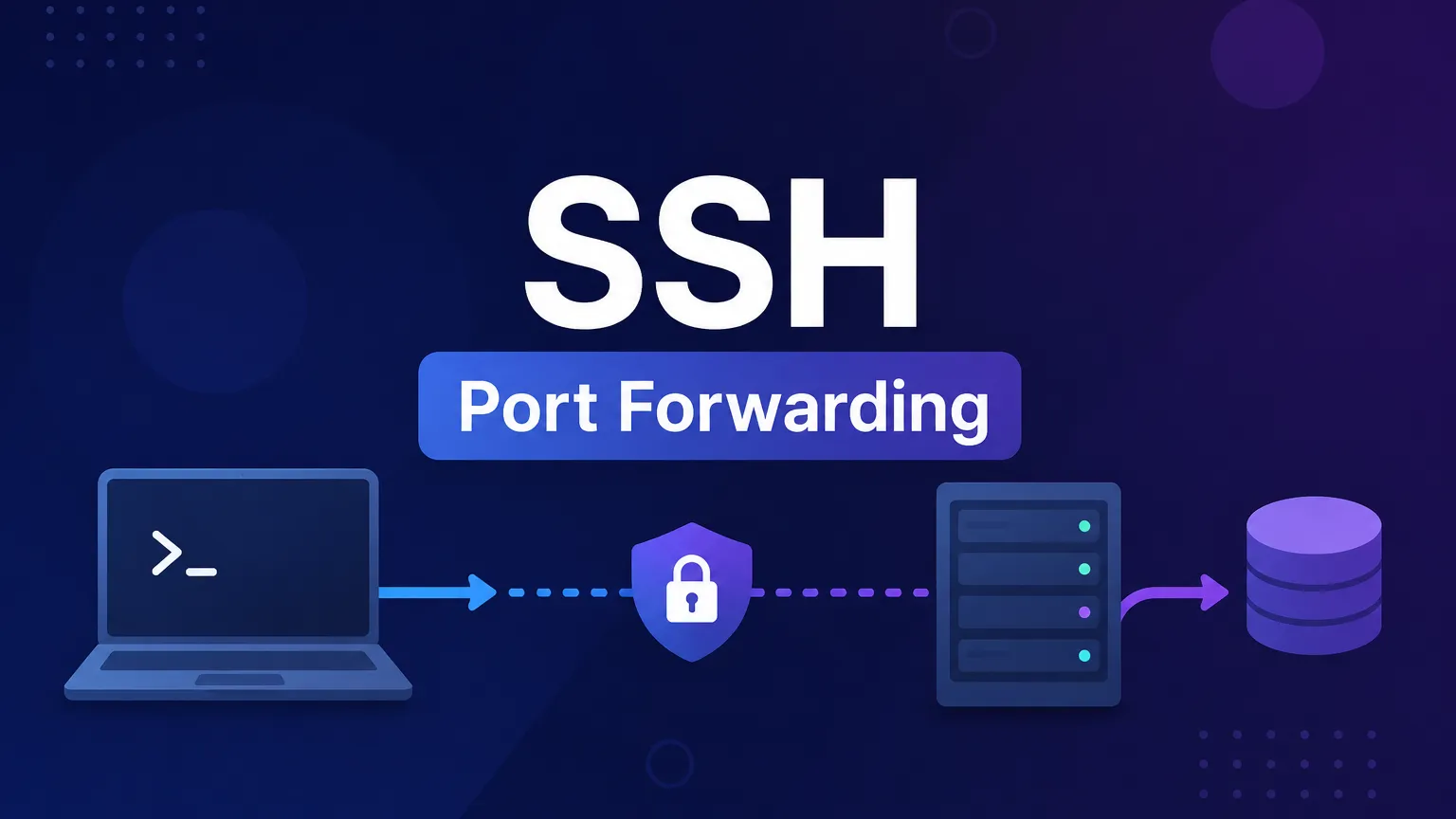
The answer becomes obvious once you realize that SSH Remote Port Forwarding is simply Local Port Forwarding in reverse.
Table of Contents
The Mental Model That Makes Everything Click
Think about Local Port Forwarding first.
Imagine your laptop cannot directly access a PostgreSQL database because it sits behind a firewall.
See also: Mastering the Linux Command Line — Your Complete Free Training Guide
You create a tunnel:
ssh -L 5432:localhost:5432 user@server
Now:
Laptop:5432
     │
     ▼
SSH Tunnel
     │
     ▼
Server:5432
When an application connects to:
localhost:5432
on your laptop, the traffic is silently transported through the SSH tunnel to the remote PostgreSQL server.
In other words:
Local Port Forwarding brings a remote service to your local machine.
Remote Port Forwarding Does the Opposite
Now imagine a different problem.
You are running a web application on your laptop:
python3 -m http.server 8080
The service is available at:
localhost:8080
Everything works locally.
But nobody else can access it.
Maybe you’re:
- Behind a corporate firewall
- Behind home NAT
- On hotel Wi-Fi
- Using a private network with no public IP
How do you expose your application to a remote server?
This is where Remote Port Forwarding shines.
You run:
ssh -R 9000:localhost:8080 user@server
Now the remote server opens port 9000.
The traffic flow becomes:
Server:9000
      │
      ▼
SSH Tunnel
      │
      ▼
Laptop:8080
Anyone connecting to port 9000 on the server is actually talking to the web service running on your laptop.
That’s the entire idea.
Remote Port Forwarding brings a local service to a remote machine.
Why This Feels Like Magic
Suppose you’re connected to a cloud VM.
You create the tunnel:
ssh -R 9000:localhost:8080 user@cloud-vm
Then, on the VM:
curl localhost:9000
The response comes from your laptop.
Not from the VM.
Not from any service running in the cloud.
The request travels through the encrypted SSH tunnel and reaches your local machine.
To someone looking only at the VM, it appears that the service exists there.
In reality, it’s running thousands of miles away.
The Problem Remote Port Forwarding Was Designed to Solve
Many engineers eventually encounter this situation:
Laptop
  └── Development Application
The application works locally.
However:
Internet
    │
    ▼
Corporate Firewall
    │
    ▼
Laptop
Nobody can reach it from the outside.
Traditionally you would need:
- Firewall changes
- Router configuration
- Public IP addresses
- VPN connectivity
SSH Remote Port Forwarding bypasses all of that.
As long as your laptop can initiate an SSH connection to a server, the server can expose your local service.
No router configuration required.
No inbound firewall rules required.
No networking team tickets required.
The Secret Behind Tools Like Ngrok
Many modern tunneling tools work using the same core idea.
Services such as:
- ngrok
- Cloudflare Tunnel
- FRP
- LocalTunnel
all solve a similar problem:
Make a local service reachable from somewhere else.
SSH Remote Port Forwarding has been doing exactly that for decades.
For quick testing and troubleshooting, it’s often the simplest solution available.
A Real PostgreSQL Example
Imagine you’re testing a PostgreSQL instance on your laptop.
The database listens on:
localhost:5432
A jump server needs access.
You create a tunnel:
ssh -R 15432:localhost:5432 user@jumpserver
Now:
jumpserver:15432
      │
      ▼
Laptop:5432
From the jump server:
psql -h localhost -p 15432
connects directly to the PostgreSQL instance running on your laptop.
The database never moved.
The SSH tunnel simply made it appear as if it existed on the jump server.
Local vs Remote Port Forwarding
Many engineers remember the difference with a simple rule.
Local Port Forwarding
ssh -L local_port:destination_host:destination_port server
Example:
ssh -L 5432:localhost:5432 server
Meaning:
My Laptop → Remote Service
You pull a remote service toward yourself.
Remote Port Forwarding
ssh -R remote_port:destination_host:destination_port server
Example:
ssh -R 9000:localhost:8080 server
Meaning:
Remote Server → My Local Service
You push your local service outward.
The One-Sentence Explanation
If you only remember one thing, remember this:
SSH Local Port Forwarding lets your computer access a remote service. SSH Remote Port Forwarding lets a remote computer access a service running on your machine.
Once you see it that way, the mysterious -R option suddenly becomes one of the most useful networking tools in a Linux engineer’s toolbox.