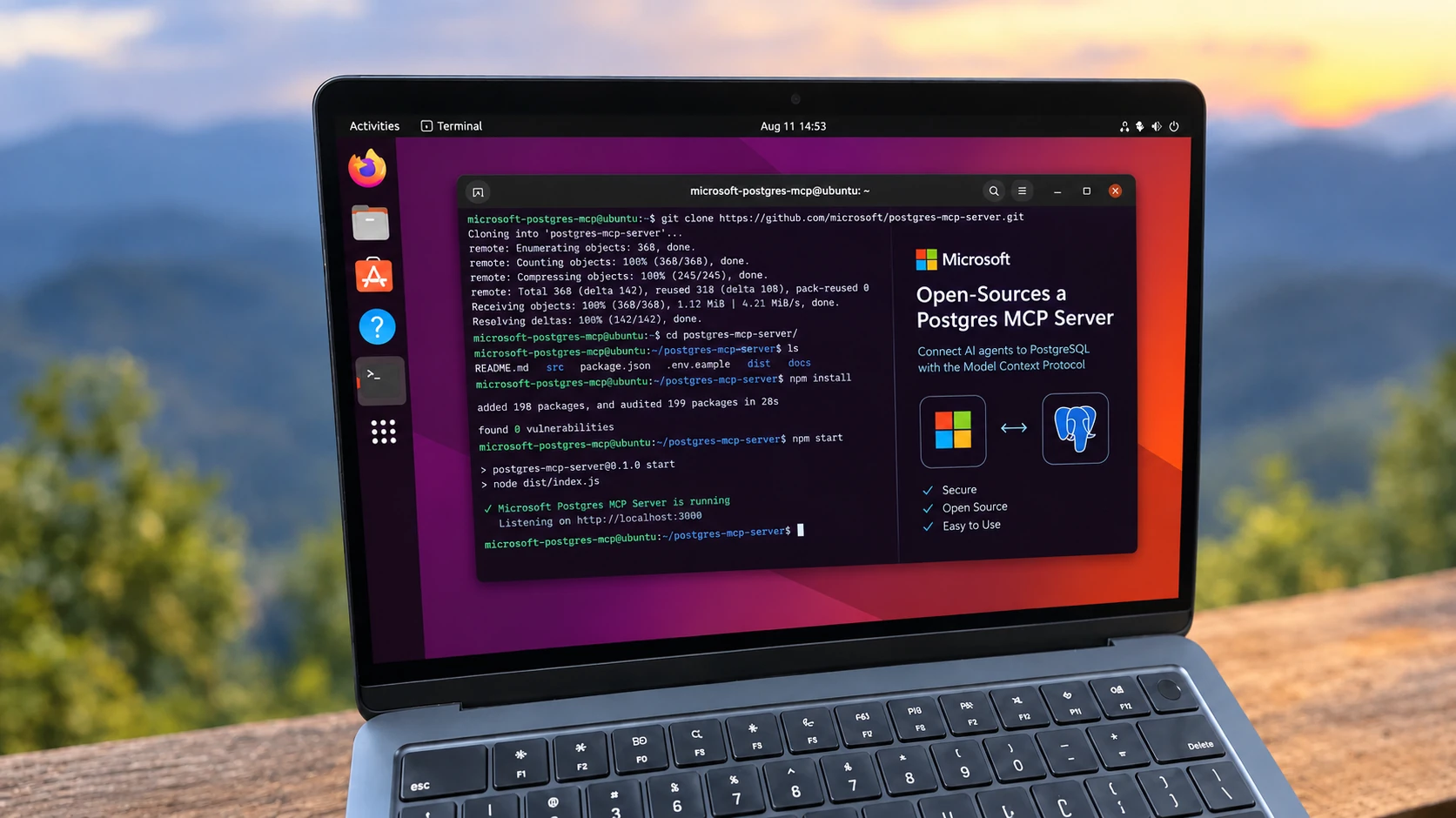
On October 1, Microsoft open-sourced the Postgres MCP Server, a tool that lets AI coding agents like GitHub Copilot or Claude Code talk directly to a PostgreSQL database. It’s written in Rust, released under the MIT license, and despite coming from the Azure team, it isn’t tied to Azure. It works with local PostgreSQL, on-premises servers, AWS, Google Cloud, and Postgres-compatible services.
Table of Contents
Why this exists
Coding agents are good at writing SQL, but usually they’re guessing. They don’t know your table names, your indexes, or why last night’s query got slow. You end up pasting schemas into the chat and hoping nothing changed since.
The Model Context Protocol (MCP) fixes that by giving agents tools they can call. With the Postgres MCP Server, an agent can inspect tables, indexes, functions, and sequences, run queries, and pull performance metrics from the live database before it suggests a change.
What it actually does
In practice, the server turns plain-English questions into real database work. Ask “list the tables in my PostgreSQL database” or “show me the ten most recent orders,” and the agent runs read-only SQL against your live data instead of inventing an answer.
Ask it to “generate the schema for these tables and indexes,” and it inspects the real tables, indexes, functions, and sequences before writing any DDL, so the migration it suggests matches what’s actually deployed. The most useful one for anyone on call is “what is slowing down my PostgreSQL server?”
The server checks what your instance supports and pulls focused performance metrics for the server and its queries, giving the agent evidence to work from rather than a generic tuning checklist.
How it handles credentials
Here’s the part worth noticing. Many MCP setups put a database connection string, password included, straight into the client’s JSON config file. This server avoids that.
You create a named connection profile, and the password goes into your operating system’s keyring rather than a config file. On a Linux desktop, that typically means the Secret Service provided by GNOME Keyring or KWallet:
npx -y @microsoft/postgres-mcp connection add local \
  "postgresql://postgres@localhost:5432/postgres"
npx -y @microsoft/postgres-mcp connection set-password local
The MCP client config then just launches the server with npx -y @microsoft/postgres-mcp run, with no secrets in it. Headless servers and CI jobs without a keyring can pass the connection through environment variables instead. On Azure Database for PostgreSQL, the server can sign in with Microsoft Entra ID when a profile has no password.
It needs Node.js 22 or later, since npx downloads and runs it, and it supports Linux and macOS on both x64 and arm64.
See also: Mastering the Linux Command Line — Your Complete Free Training Guide
Lock it down before you connect production
The default is the detail that matters most: new profiles allow write tools. Unless you set the profile’s access_mode to ro, an agent can run data and schema changes through it.
Microsoft is clear that PostgreSQL role permissions are the real security boundary, and that access_mode: ro should be paired with a read-only role. On PostgreSQL 14 and later, that takes three lines:
CREATE ROLE ai_agent LOGIN PASSWORD 'change-me';
GRANT CONNECT ON DATABASE app TO ai_agent;
GRANT pg_read_all_data TO ai_agent;
Even if a confused agent decides to “clean up” a table, the database will refuse. Your MCP client’s approval prompts add another layer, and the server’s CSV import tools can only read files from paths you’ve approved.
Microsoft also released a companion Postgres Skills repository, a set of reusable instructions that teach agents PostgreSQL best practices for indexing, query tuning, vector search, and security. The MCP server provides the live database access, and the skills tell the agent what to do with it.
The code and setup guides are on GitHub.